

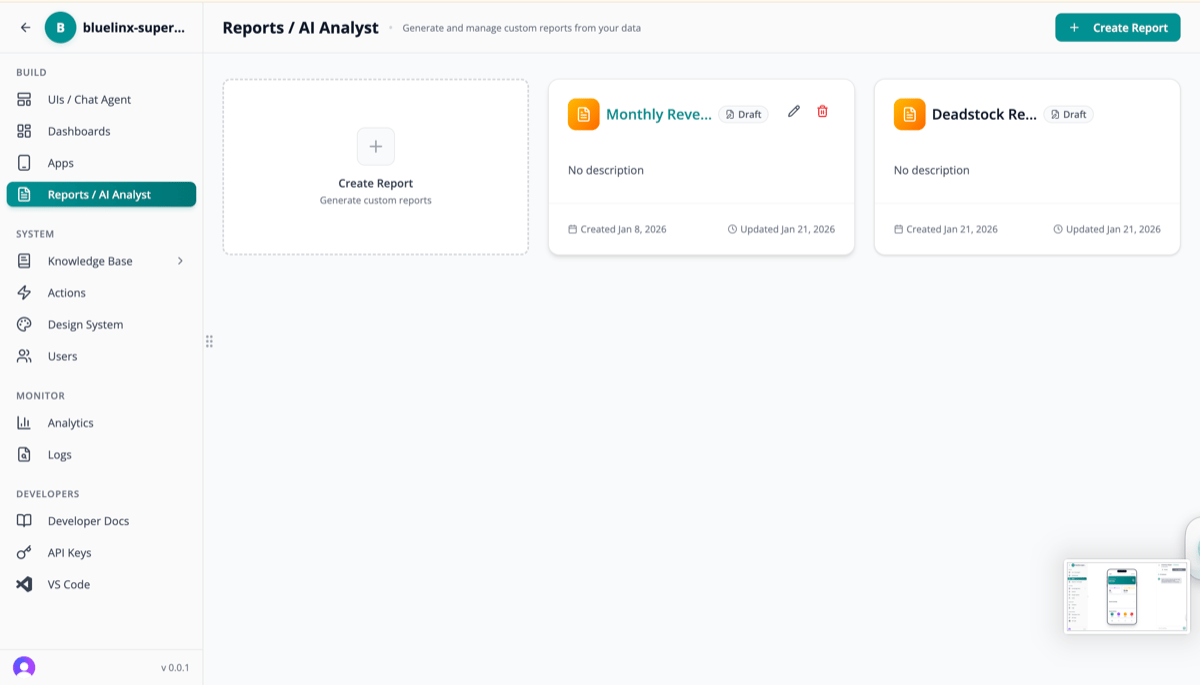
Reports List
View all generated reports and create new ones: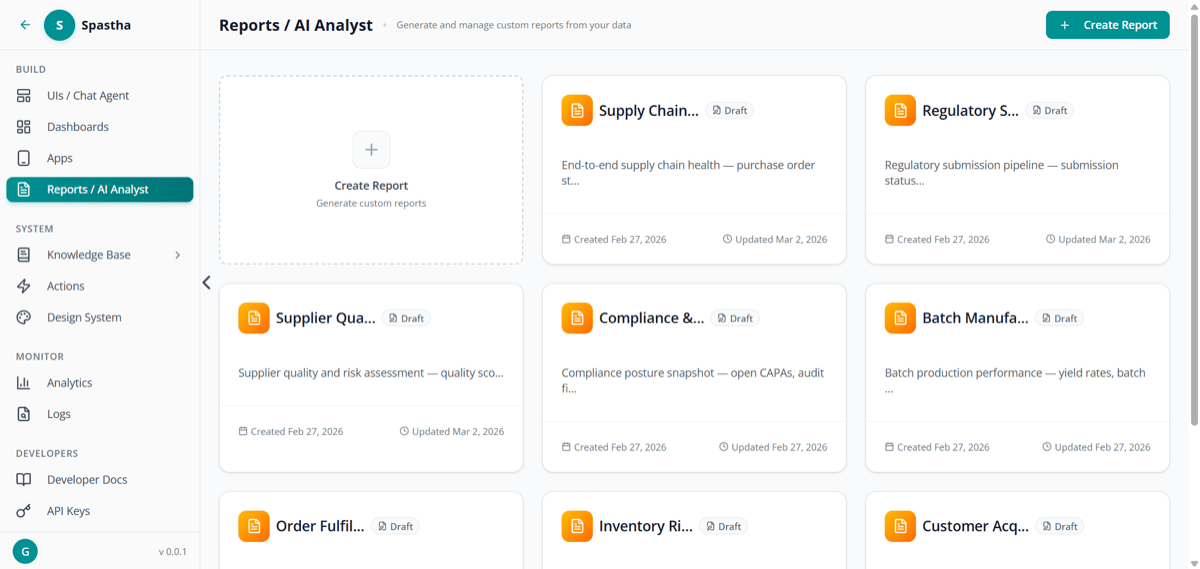
Reports page — view and create reports
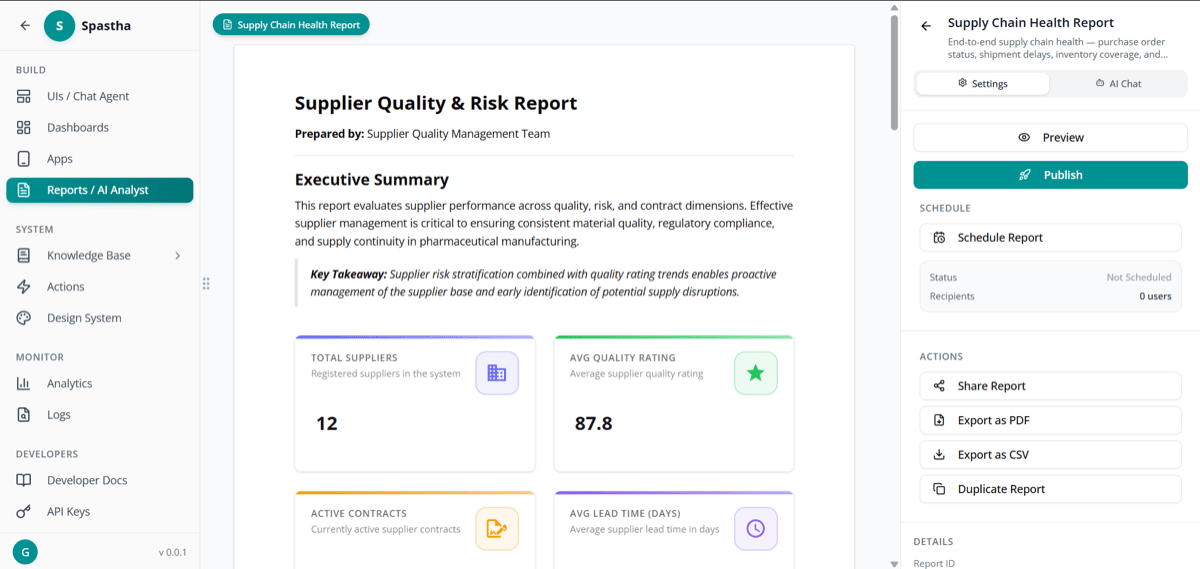
Report detail view — create, schedule, and share
Creating Reports
AI-Generated Reports
Let the AI Analyst create comprehensive reports automatically:- Navigate to Reports / AI Analyst
- Click + Create Report
- Describe what you want: “Monthly sales performance analysis with regional breakdown”
- AI generates a complete report with:
- Executive summary
- Key metrics and KPIs
- Visualizations
- Trend analysis
- Recommendations
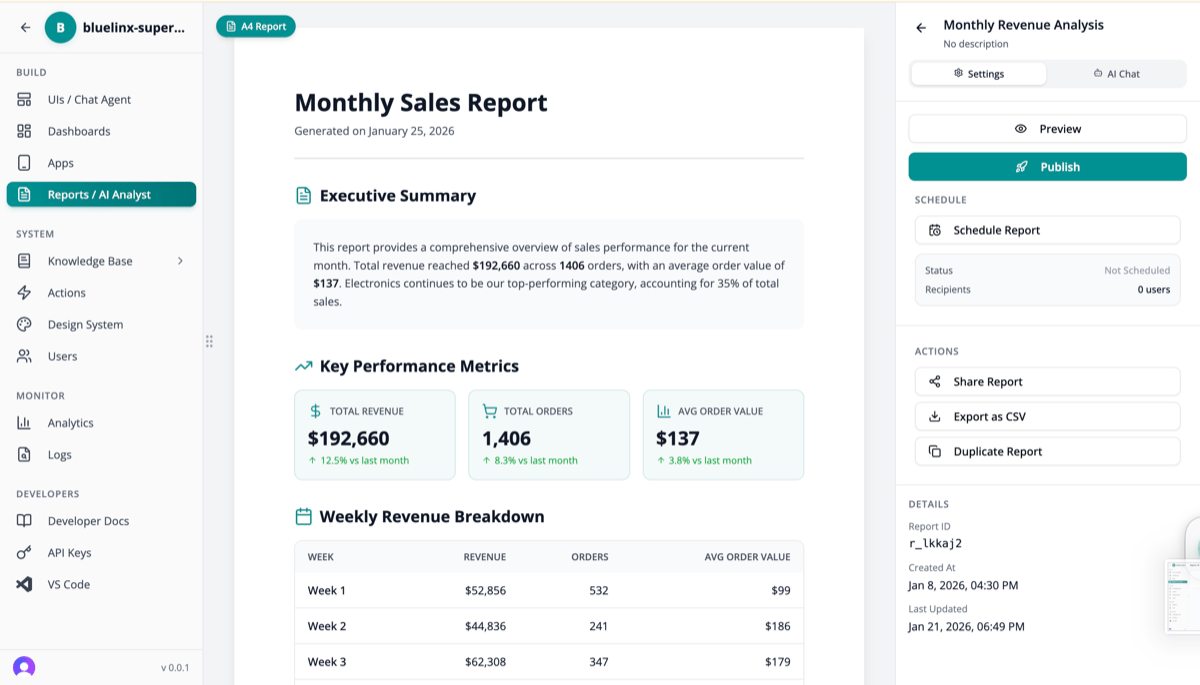
AI-generated Monthly Sales Report
Report Components
Reports can include:Scheduling Reports
Automate report generation and delivery: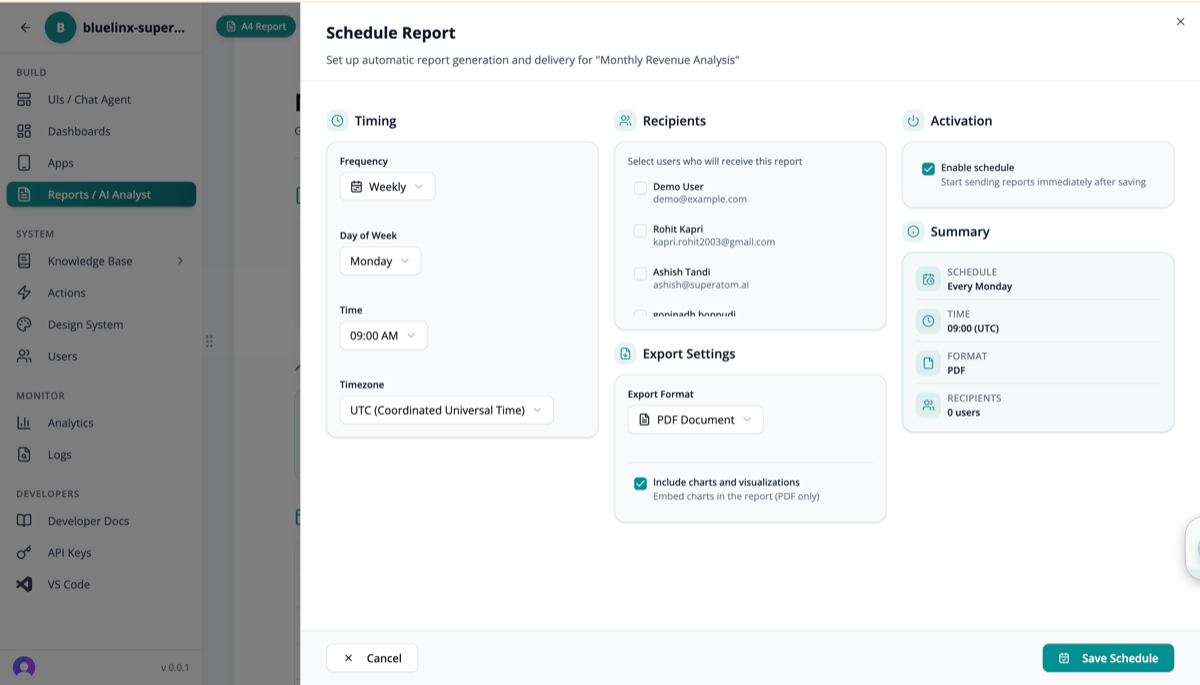
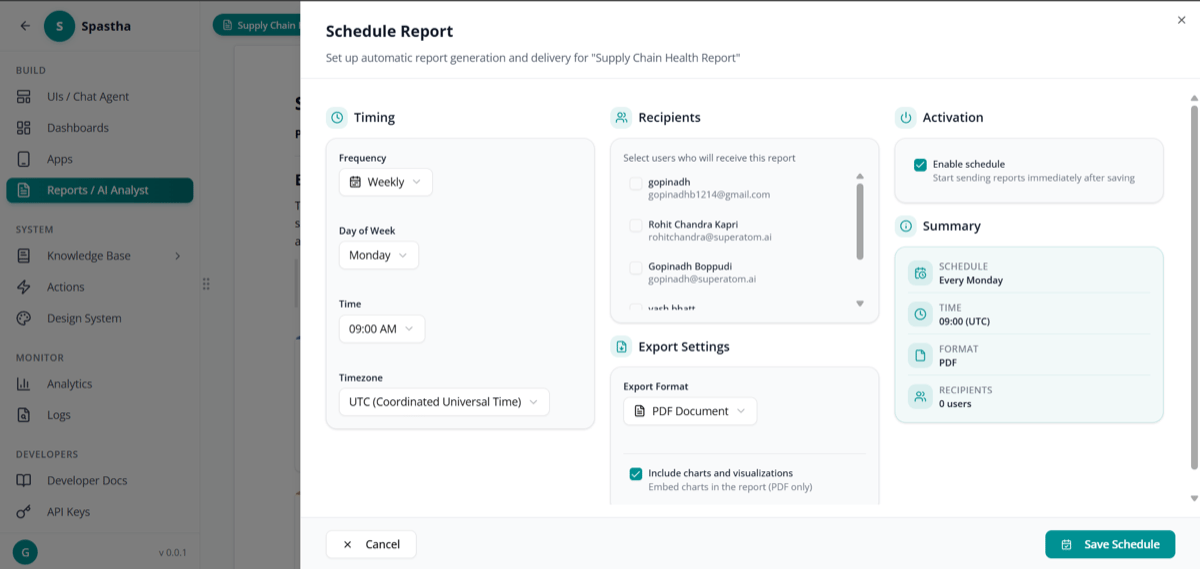
Report scheduler form
Schedule Options
Delivery Options
Direct to inbox with attachments or links
Slack
Post to channels or DM to users
Teams
Integrate with Microsoft Teams
Webhook
Send to any endpoint
Sharing Reports
Share reports with team members: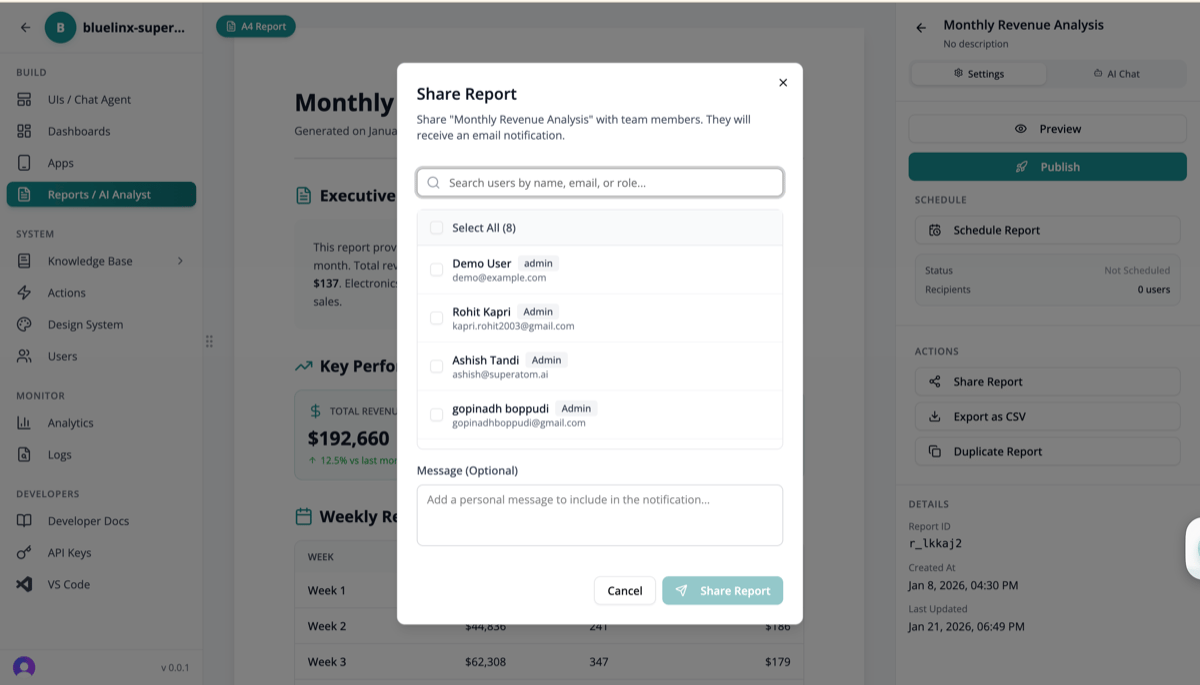
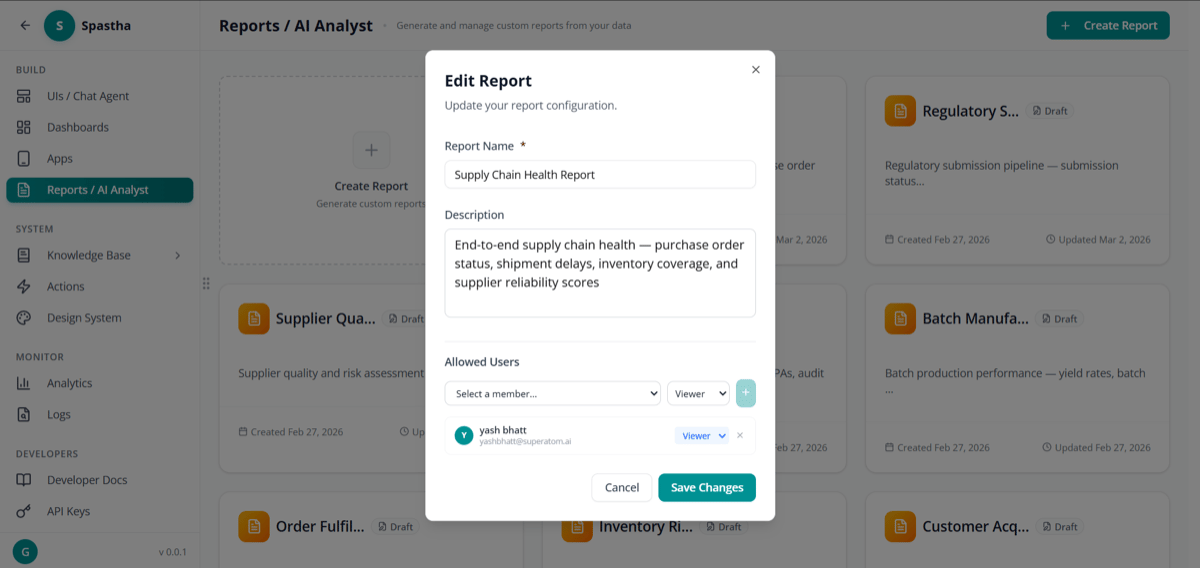
Manage report permissions
Sharing Options
- Select recipients by name, email, or role
- Add a message to provide context
- Set permissions — view only or edit
- Track views — see who accessed the report
Report Types
Scheduled Reports
Automated delivery on a recurring basis: Use cases:- Weekly sales summaries
- Monthly financial reports
- Quarterly business reviews
Triggered Reports
Sent when specific conditions are met: Use cases:- Inventory below safety stock
- Revenue drops more than 10%
- Customer churn rate spikes
Ad-Hoc Reports
Generated on-demand for specific needs:- Board meeting preparation
- Investor updates
- Customer presentations
- One-time analysis
Export Formats
Report Templates
Save time with reusable templates:- Create a report
- Click Save as Template
- Reuse for similar reports
- Customize as needed
- Report structure
- Visualization types
- Filters and parameters
- Formatting preferences
Best Practices
Start with the Question
Start with the Question
What decision should this report inform? Design backwards from the action.
Less is More
Less is More
Focus on 3-5 key metrics. Avoid data overload.
Automate What Repeats
Automate What Repeats
If you create the same report monthly, schedule it.
Include Context
Include Context
Add executive summaries and explanations for non-technical audiences.
Next Steps
Automated Actions
Trigger workflows based on report findings
Mobile Apps
Access reports on the go