

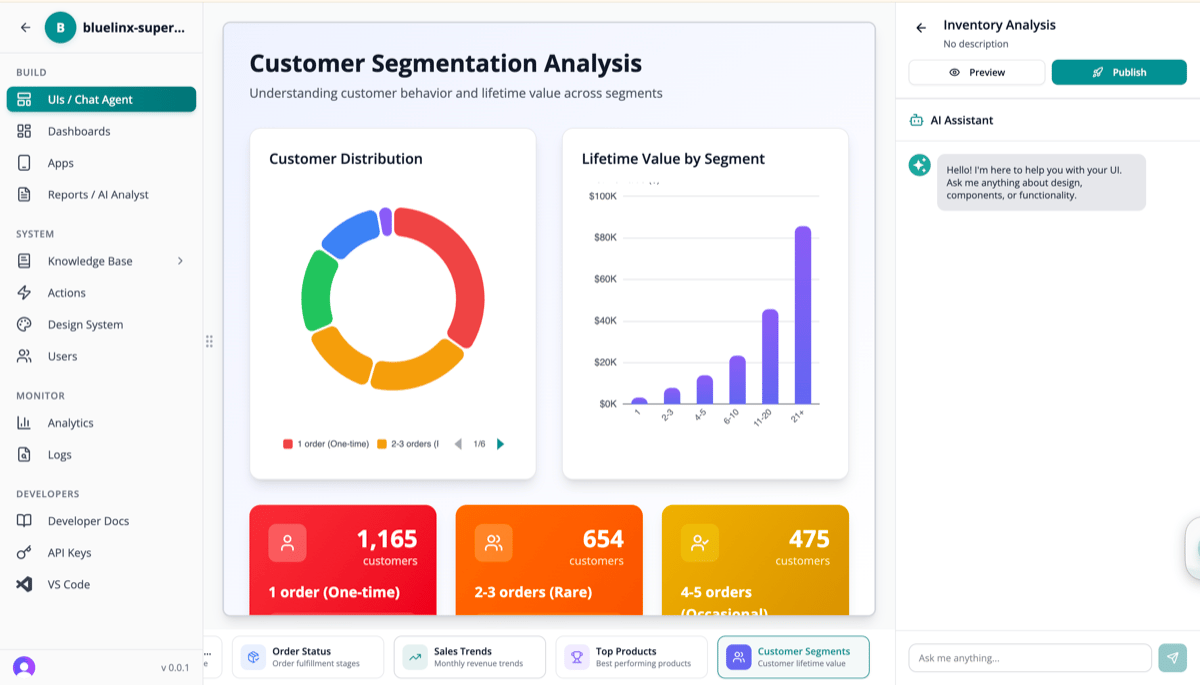
Managing Chat Agents
View and create chat agents from the Chat Agents page: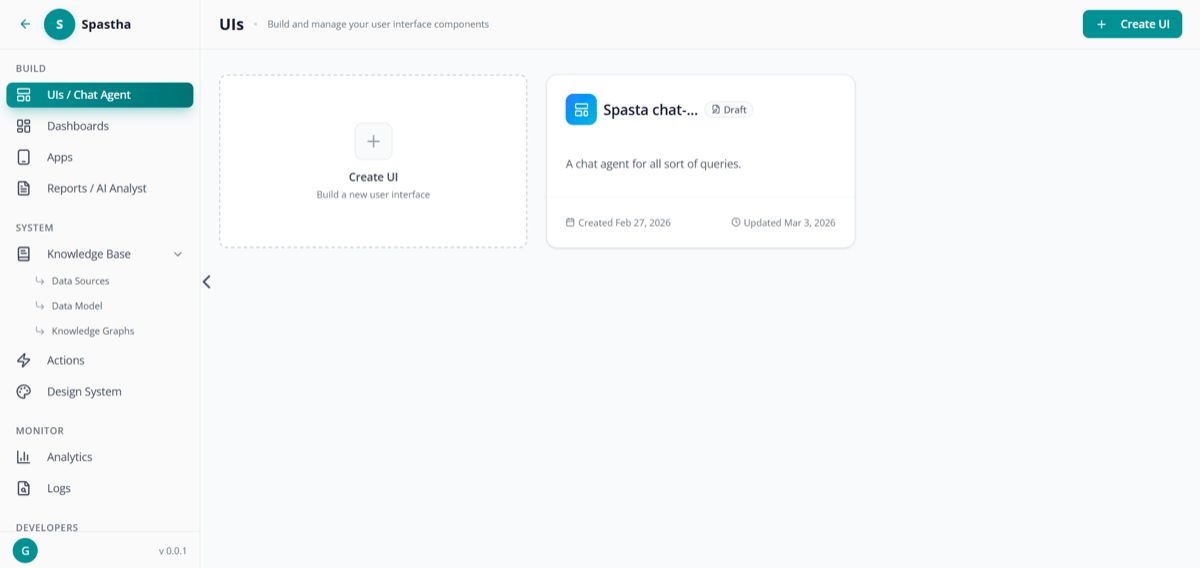
Chat agents list — create and manage chat agents
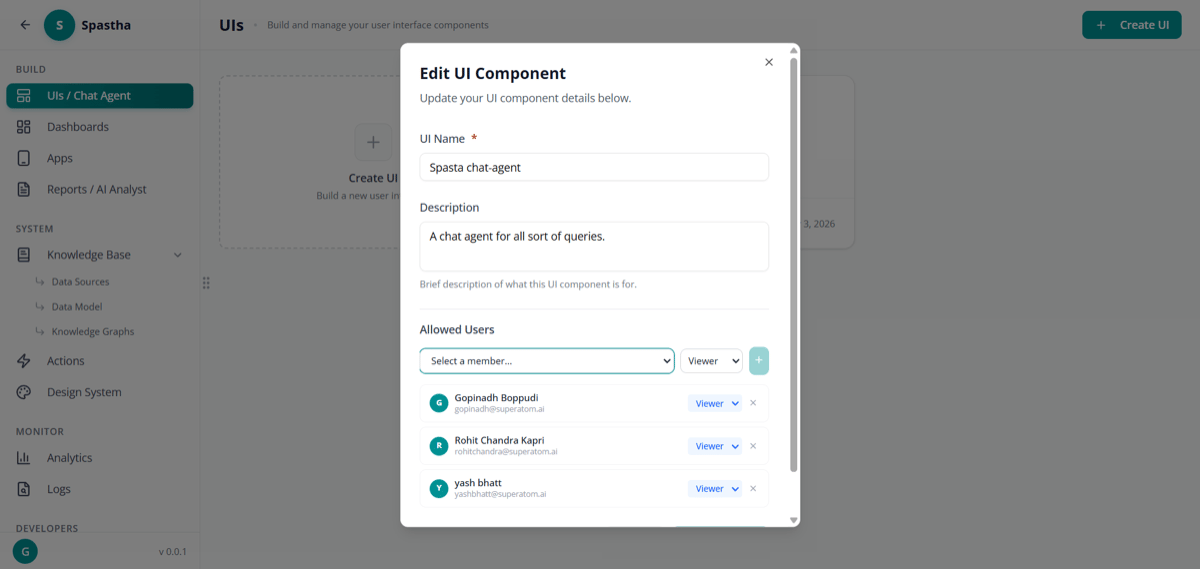
Edit chat agent settings and manage permissions
How It Works
1
Ask in Natural Language
Type your question exactly as you’d ask a colleague: “What were our top products last quarter?”
2
AI Understands Intent
Superatom classifies your intent, extracts entities, and applies tribal knowledge for context.
3
Query Generated & Executed
SQL is automatically generated and run against your connected data sources.
4
Visualization Selected
The AI selects the optimal visualization from 16+ component types based on your data.
5
Response Streamed
Results appear in real-time with interactive charts, follow-up suggestions, and the underlying query.
Features
Natural Language Queries
Ask questions the way you think:Simple Questions
- “What were sales last month?”
- “Show me inventory levels”
- “How many orders today?”
Complex Analysis
- “Why did margins drop in Q3?”
- “Compare regional performance year-over-year”
- “Which products are trending up?”
Filters & Conditions
- “Sales over $10,000 in California”
- “Products with negative margins”
- “Customers who haven’t ordered in 90 days”
Time-Based
- “Revenue trend for the last 6 months”
- “Compare this quarter to last quarter”
- “What changed since yesterday?”
Real-Time Streaming
Responses appear as they’re generated—no waiting for the complete answer:- Text streams character by character
- Charts build progressively
- Follow-ups appear after main response
Interactive Visualizations
Every response includes the optimal visualization:Transparency
Every query shows the underlying SQL:- Verify the logic is correct
- Learn how queries work
- Modify if needed (advanced users)
Follow-Up Suggestions
After each response, the AI suggests relevant follow-up questions:- “Show breakdown by region”
- “Compare to same period last year”
- “What’s driving this trend?”
Commands
Power users can use commands for quick actions:Bookmarks
Save useful insights for quick access:- Find a valuable visualization
- Click the bookmark icon or type
/bookmark - Add a name and optional notes
- Access anytime from the Bookmarks panel
- The exact query
- The visualization configuration
- Point-in-time or live data (configurable)
Conversation History
All conversations are saved with full context:- Thread grouping — Related questions grouped together
- Searchable — Find past queries by keyword
- Audit trail — Who asked what, when
- Resumable — Continue previous analysis sessions
Access Control
The Chat Agent respects role-based permissions:
Data access is filtered based on user permissions—users only see data they’re authorized to access.
Best Practices
Be Specific
Be Specific
Instead of “Show me sales”, ask “Show me sales by product category for Q4 2025”
Use Business Terms
Use Business Terms
Superatom understands your tribal knowledge. Use your organization’s terminology.
Iterate
Iterate
Start broad, then drill down with follow-up questions for deeper analysis.
Save What Matters
Save What Matters
Bookmark frequently-needed visualizations for quick access.
Next Steps
Dashboards
Combine multiple visualizations into custom dashboards
Reports
Schedule automated report delivery