The Knowledge Base is where Superatom connects to your data and builds understanding of your organization. It includes data sources, file management, integrations, and knowledge graphs.

Data Sources

Connect to your enterprise databases and data warehouses:
Data Sources
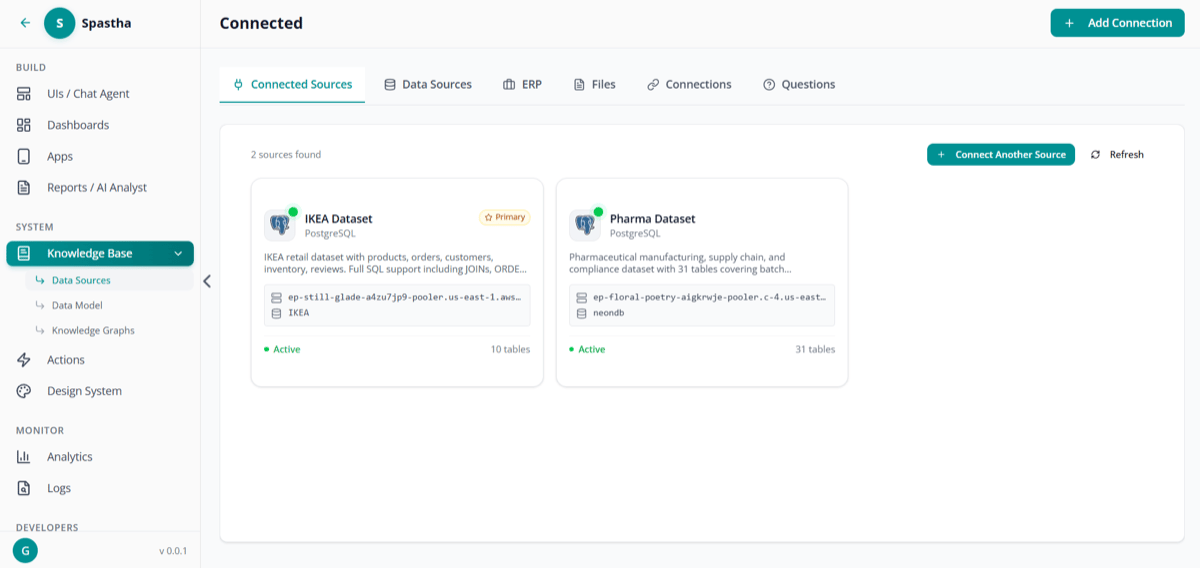
Connected Data Sources

Connected data sources overview

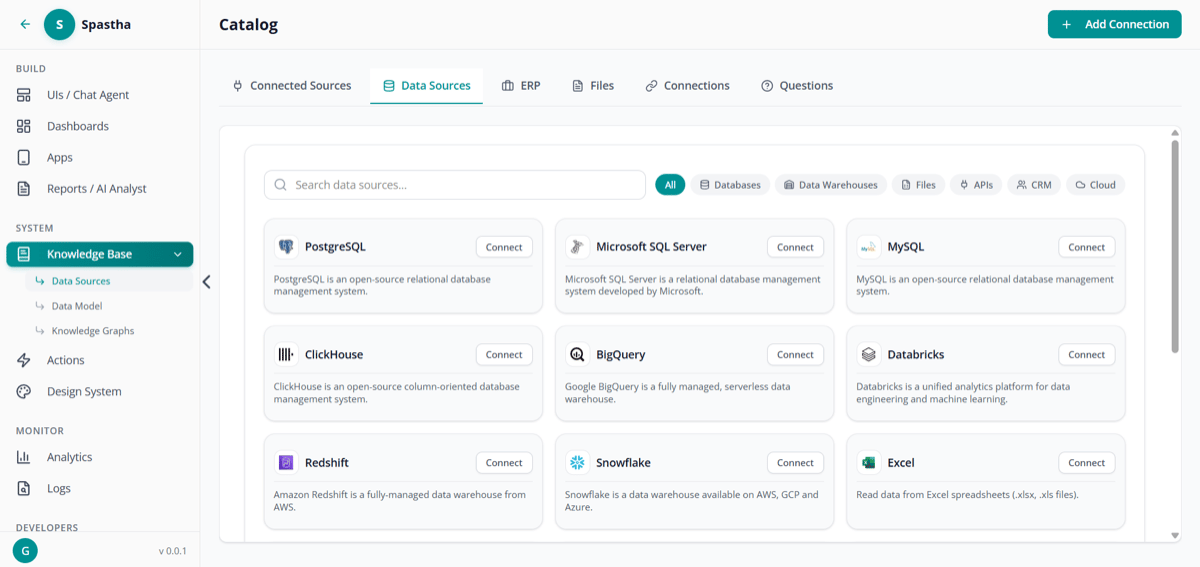
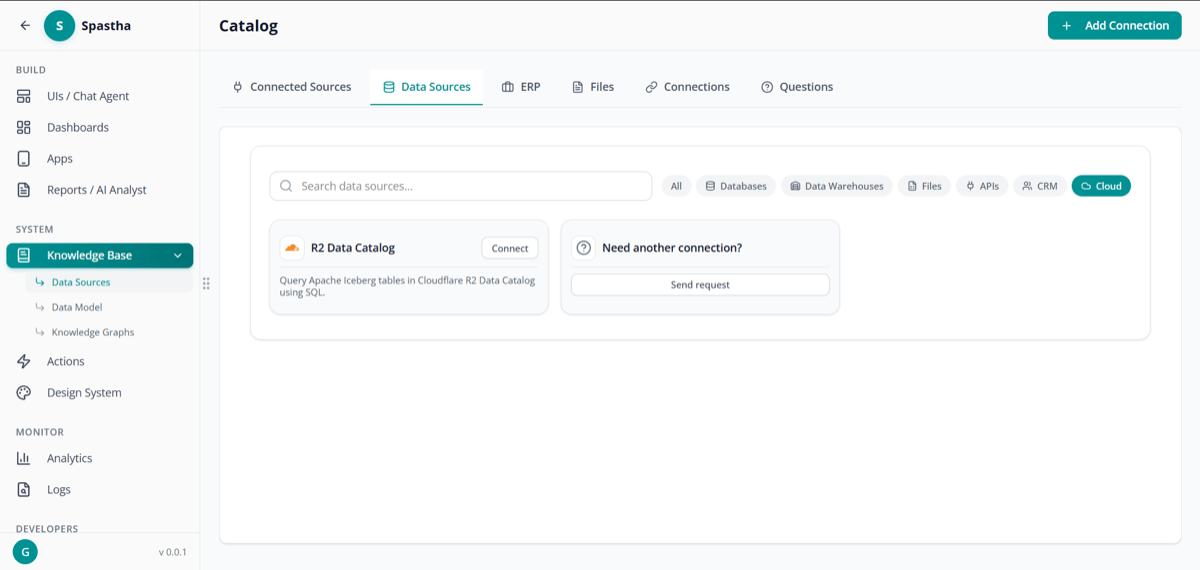
Data Sources Tab

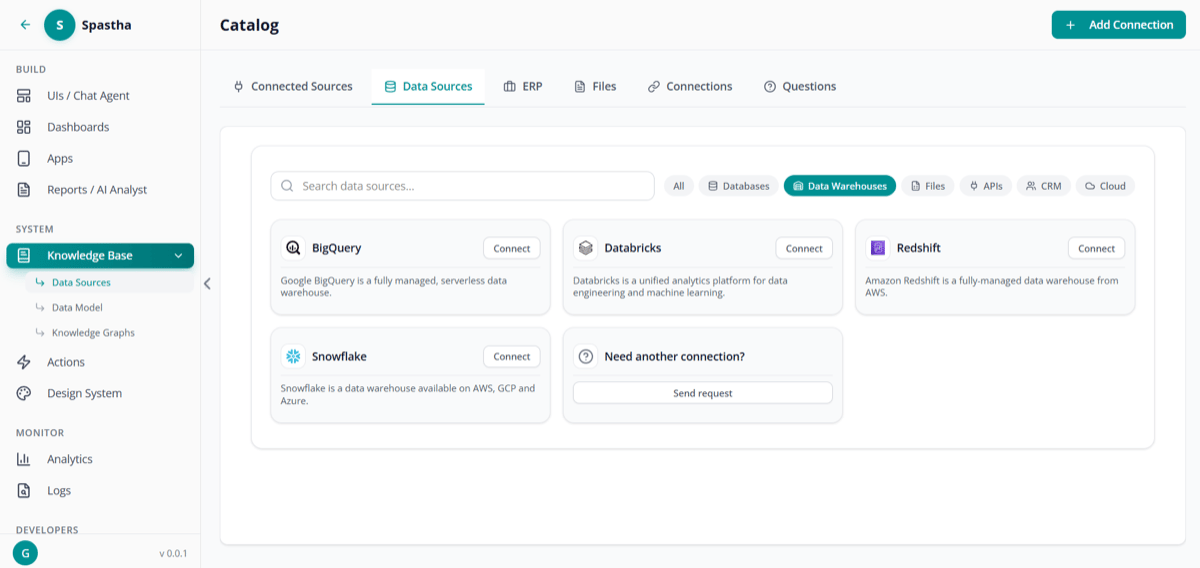
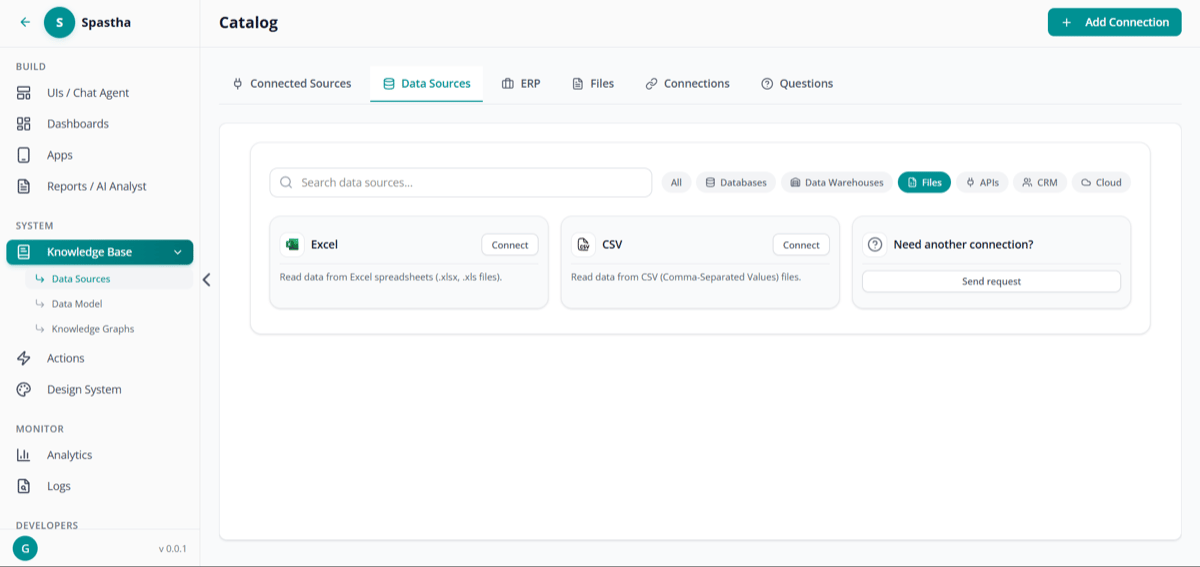
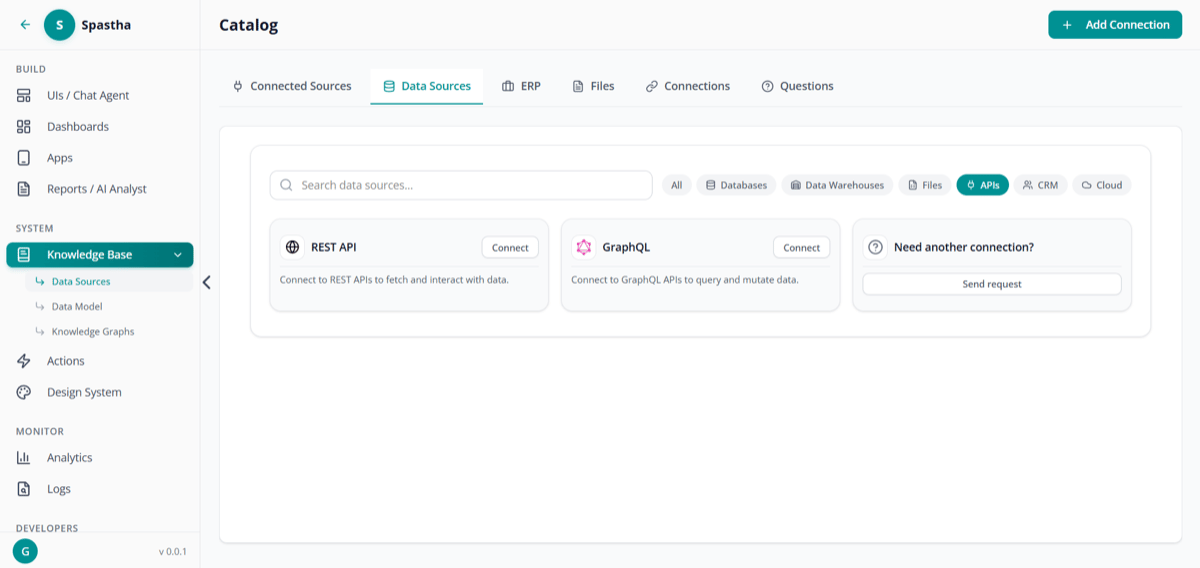
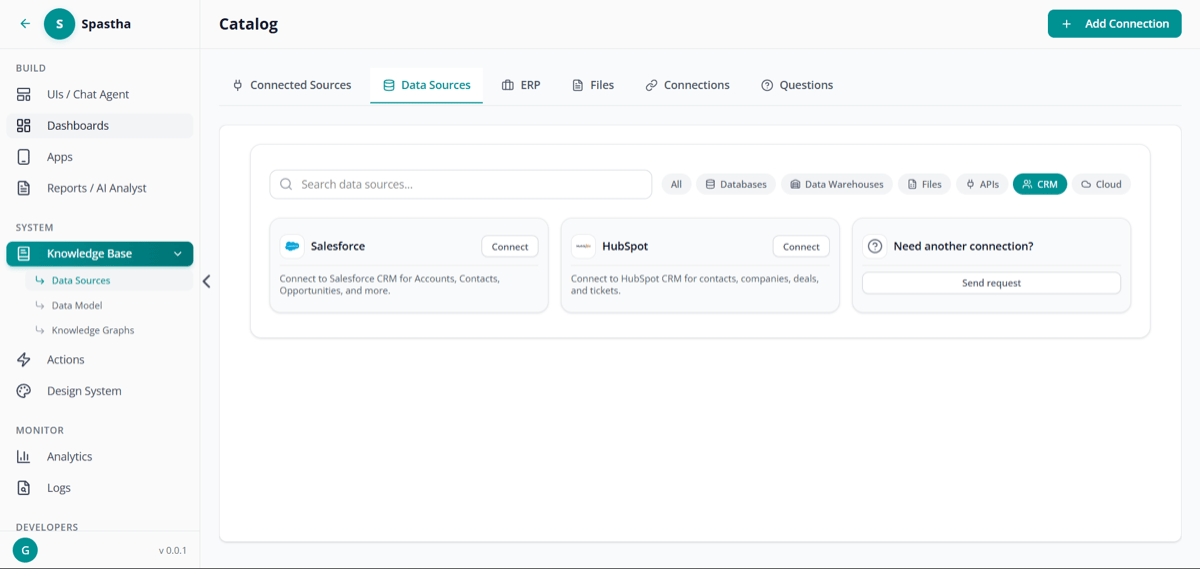
Data sources tab — connect to databases, warehouses, files, APIs, CRM, or cloud

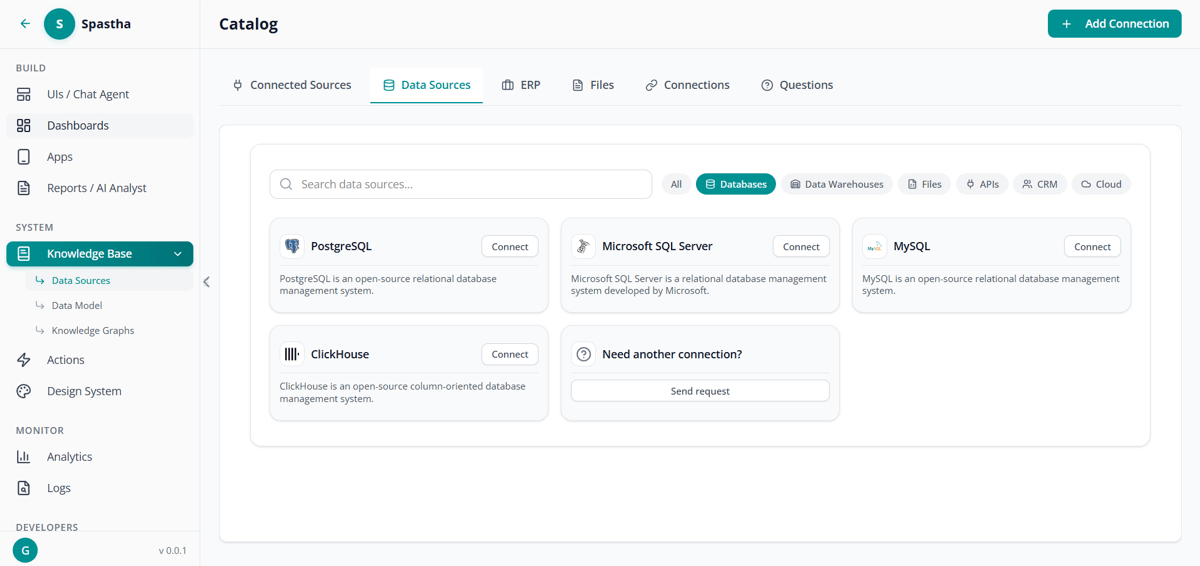
Supported Databases

PostgreSQL

Open-source relational database

MySQL

Popular relational database

SQL Server

Microsoft enterprise database

BigQuery

Google Cloud data warehouse

Snowflake

Cloud data platform

ClickHouse

Column-oriented database

Databricks

Unified analytics platform

Redshift

AWS data warehouse

Connection Types

Connect Databases

Databases

Connect Data Warehouses

Data Warehouses

Connect Files

Files

Connect APIs

APIs

Connect CRM

CRM

Connect Cloud

Cloud

Connection Times

Connecting a Database

1

Click Add Connection

Navigate to Knowledge Base → Data Sources → Add Connection
2

Select Database Type

Choose from the supported database types
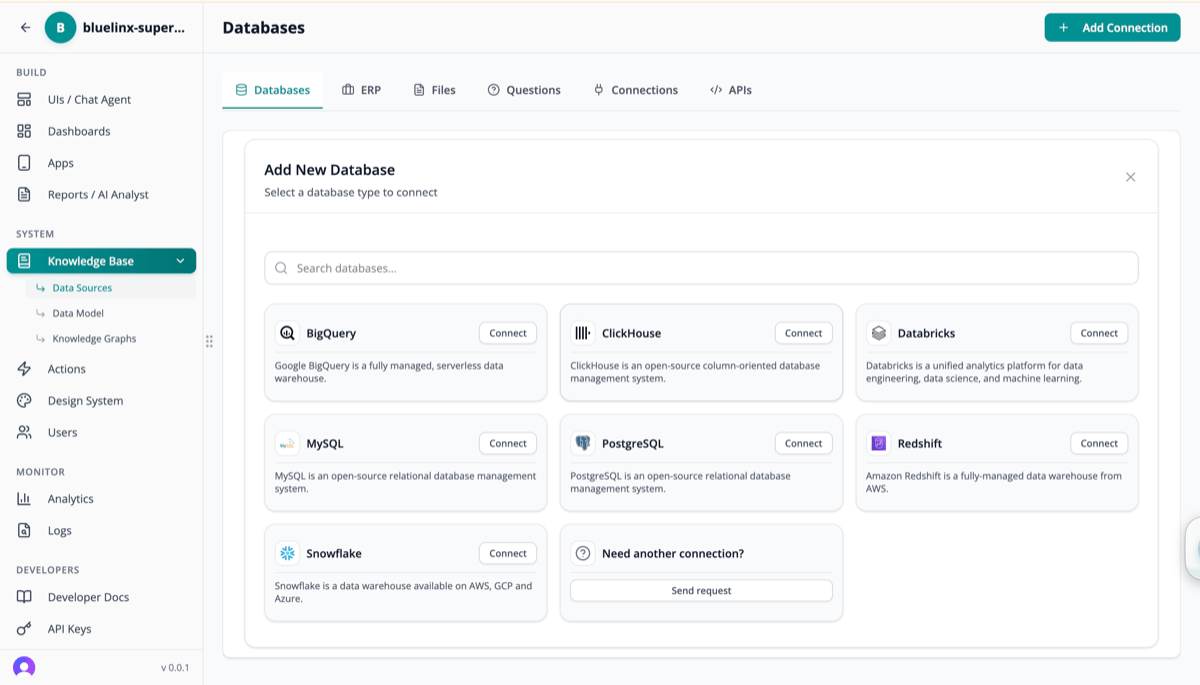
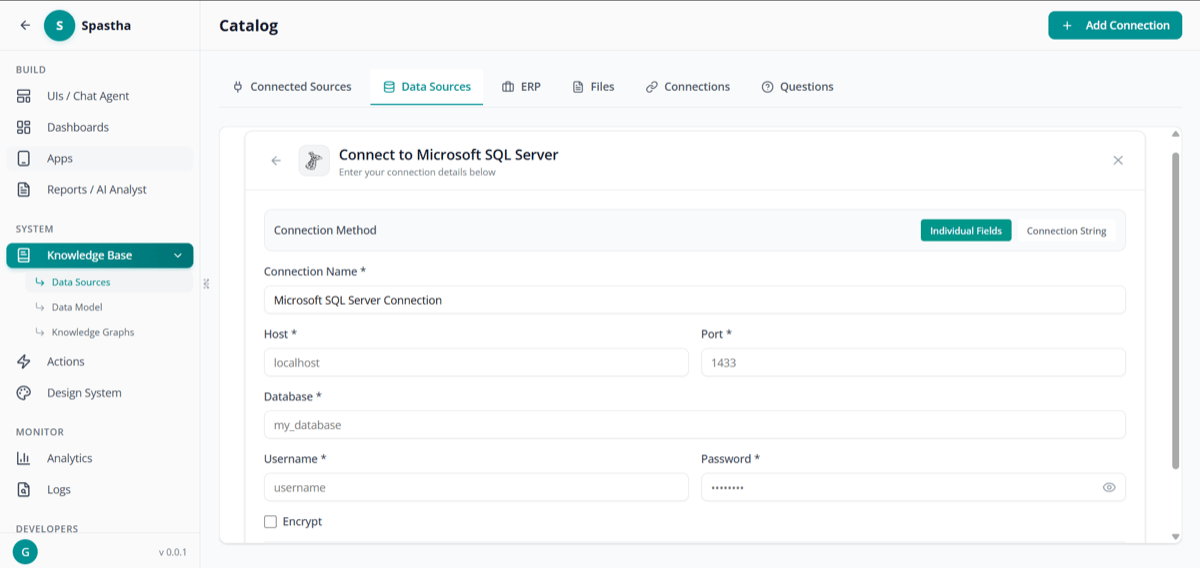
Add Data Source Form

Add a new data source connection

3

Enter Connection Details

  • Host/Server address
  • Port number
  • Database name
  • Username and password (read-only)
4

Test Connection

Verify connectivity before saving
5

Automatic Semantic Modeling

Superatom runs a five-stage automated analysis to build a semantic model from your data

Automated Semantic Modeling

When a data source is connected, Superatom automatically builds a semantic model through five stages:
1

Schema Analysis

Reads database structure: tables, columns, data types, relationships, foreign keys, indexes
2

Sample Data Extraction

Examines representative samples to understand actual data characteristics, edge cases, and formats
3

Statistical Profiling

Calculates distinct values, distributions, frequencies, ratios, and patterns across columns
4

Domain Classification

Recognizes industry context (supply chain, retail, finance, healthcare) and applies domain-specific mappings
5

Question Generation

Proposes common, diagnostic, and exploratory questions that can be asked of this data
Traditional semantic modeling requires specialized consultants and takes 3-6 months. This automated process completes in approximately 2 days and improves continuously as the system is used.

ERP Systems

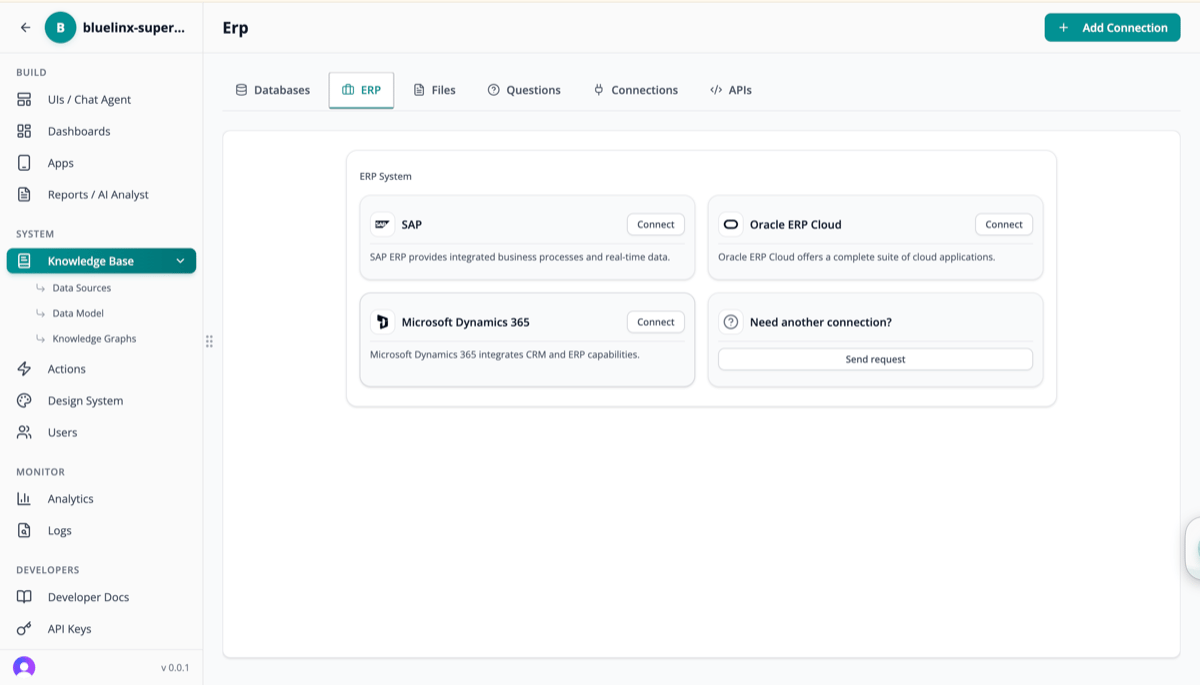
Connect directly to enterprise resource planning systems:
ERP Connections

Supported ERPs


Files & Documents

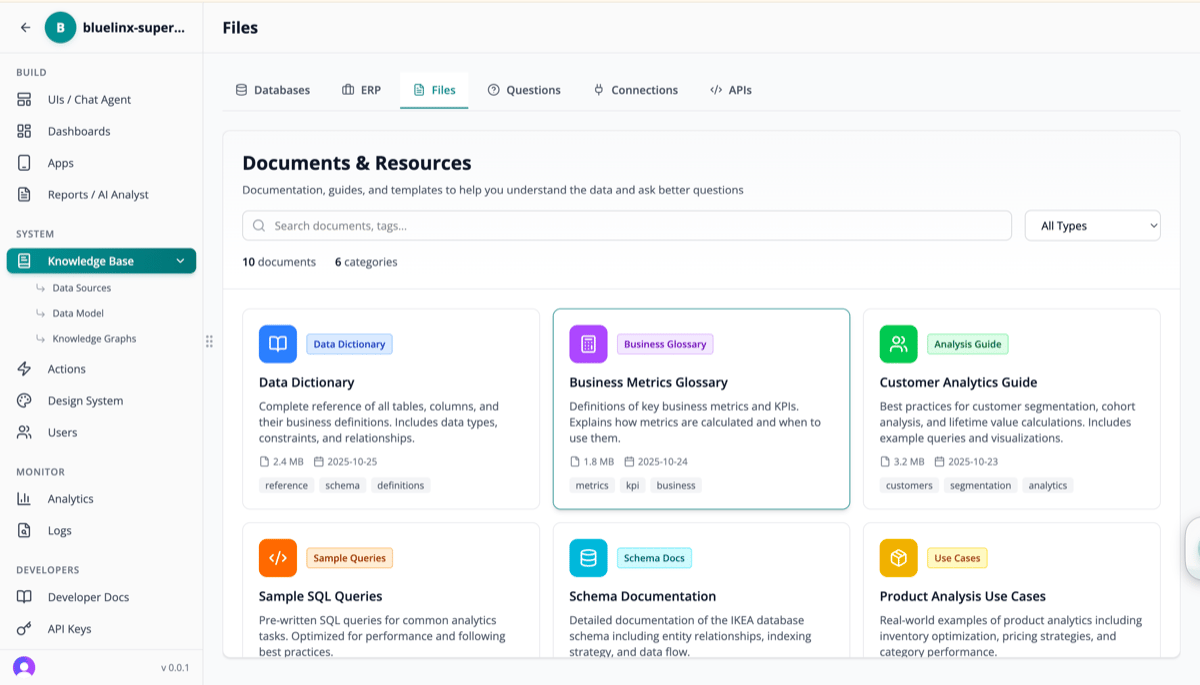
Upload and manage reference documents:
Files and Documents

Document Types

Data Dictionary

Reference of tables, columns, and business definitions

Business Glossary

Key metrics and KPI definitions

Analytics Guide

Best practices for customer segmentation, cohort analysis

Schema Documentation

Entity relationships and data flow
Documents are:
  • Searchable — AI uses them for context
  • Categorized — By type and topic
  • Versioned — Track changes over time

Integrations

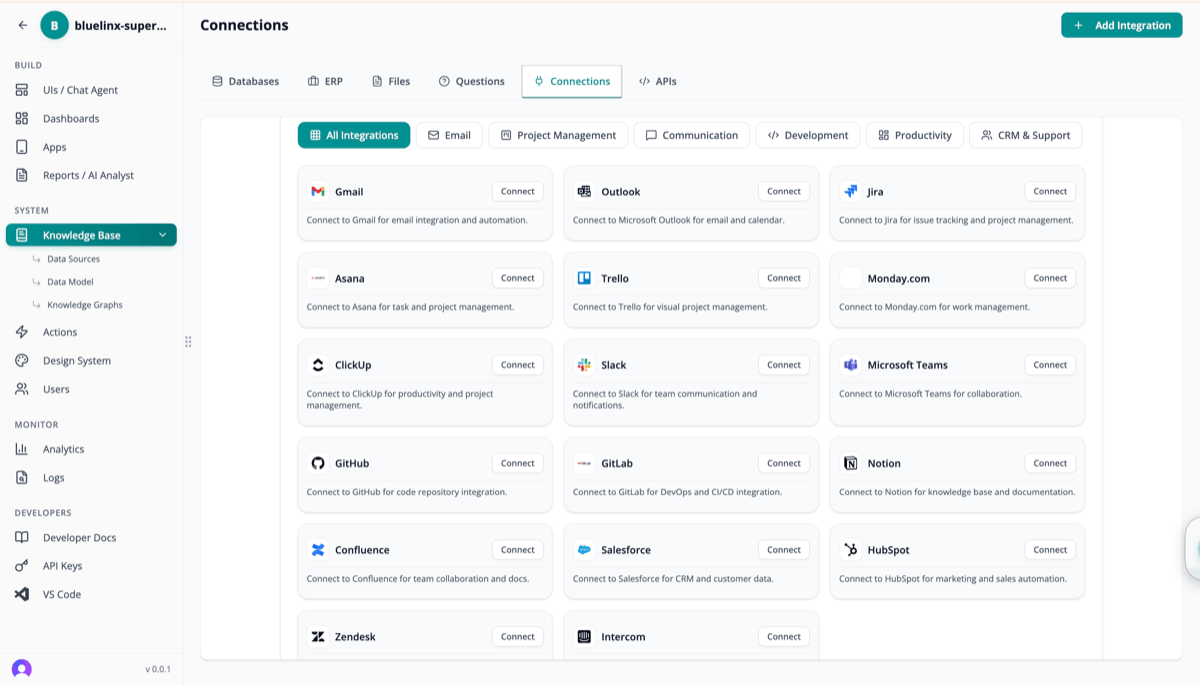
Connect to third-party tools and services:
Integrations

Available Integrations

  • Gmail
  • Outlook

Knowledge Graphs

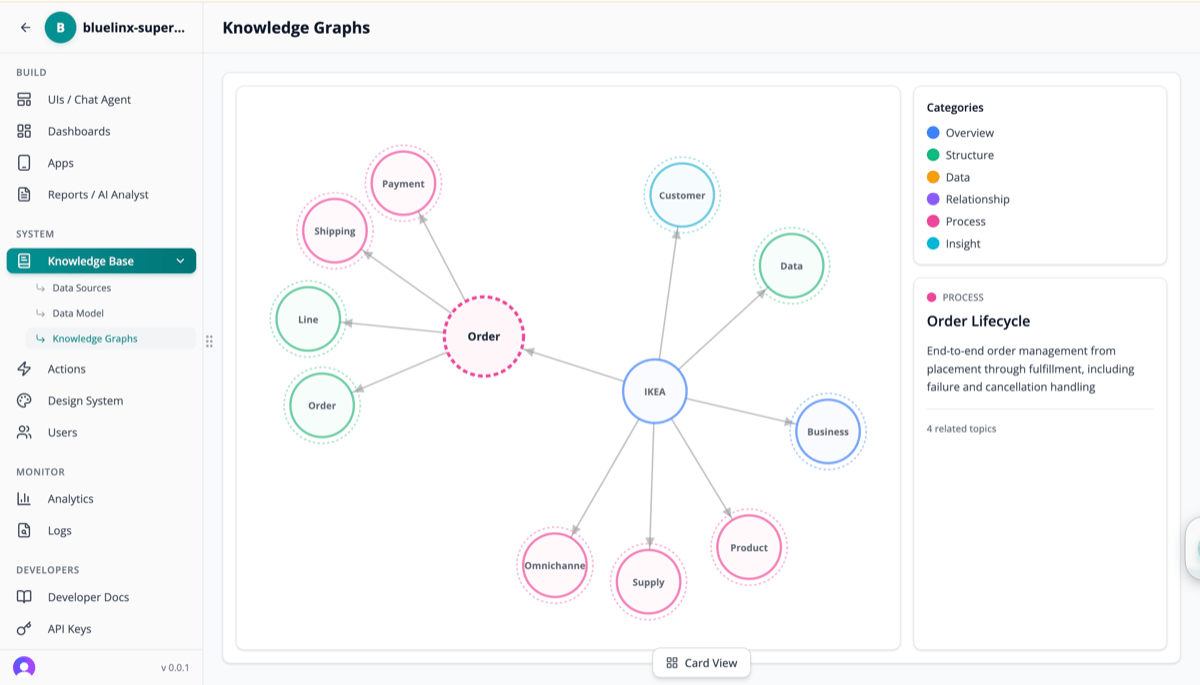
Visualize and manage organizational knowledge:
Knowledge Graph

What Knowledge Graphs Show

The graph visualizes relationships between:
  • Entities — Orders, Customers, Products, etc.
  • Processes — Order lifecycle, payment flow, shipping
  • Categories — Overview, Structure, Data, Relationships, Insights

Node Categories


Knowledge Nodes

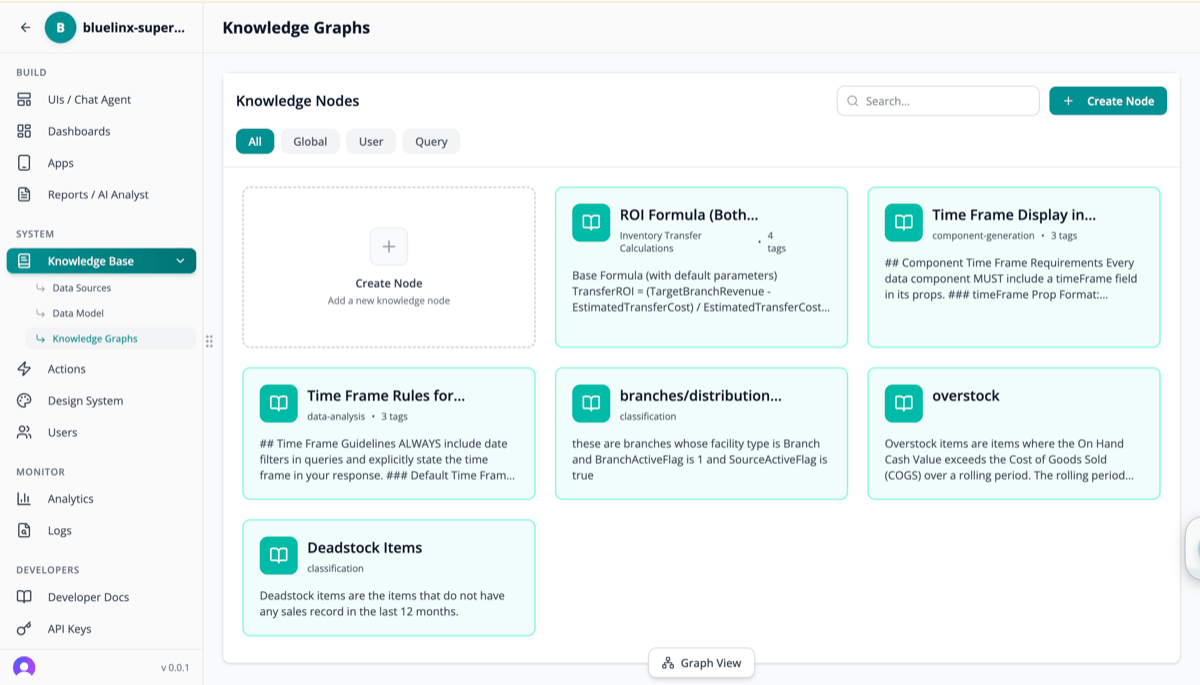
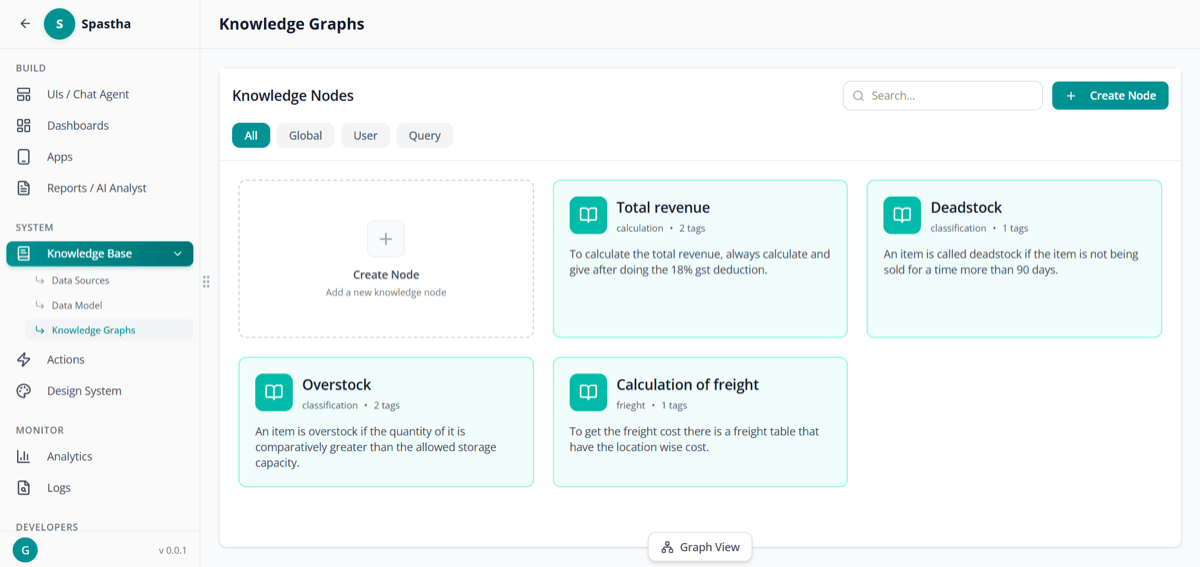
Create and manage knowledge nodes that guide AI analysis:
Knowledge Nodes List
Knowledge Nodes Page

Knowledge nodes management page

Node Types

Creating a Knowledge Node

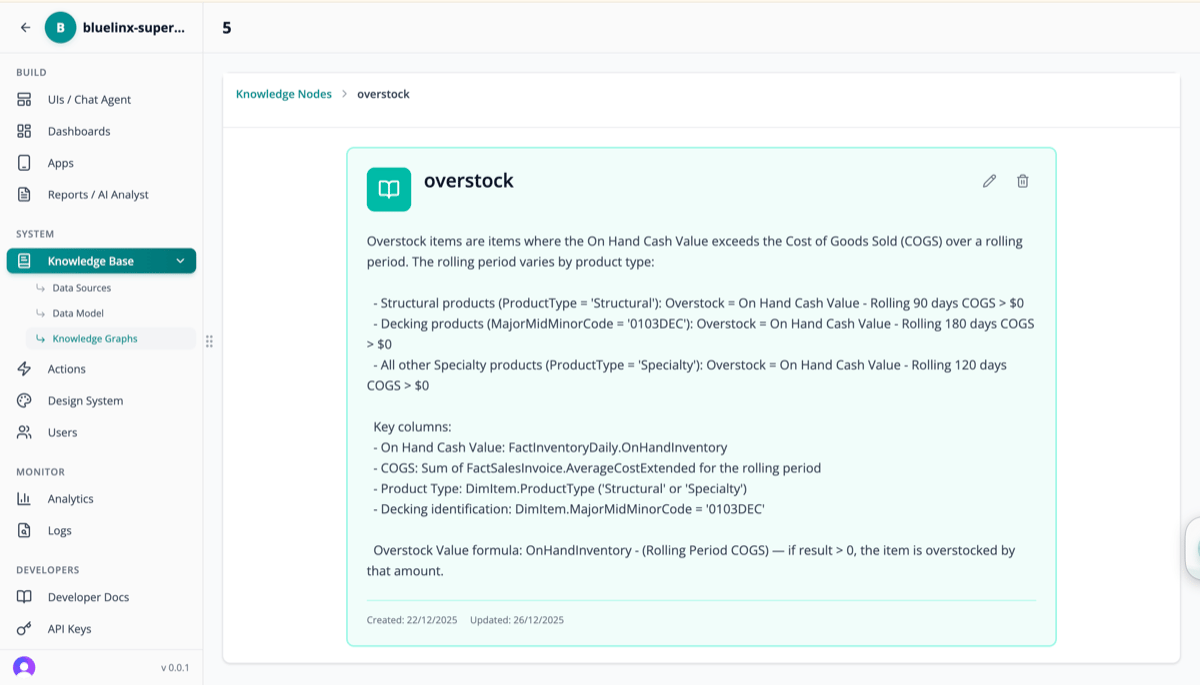
Knowledge Node Detail

Knowledge Node Detail - Overstock Definition

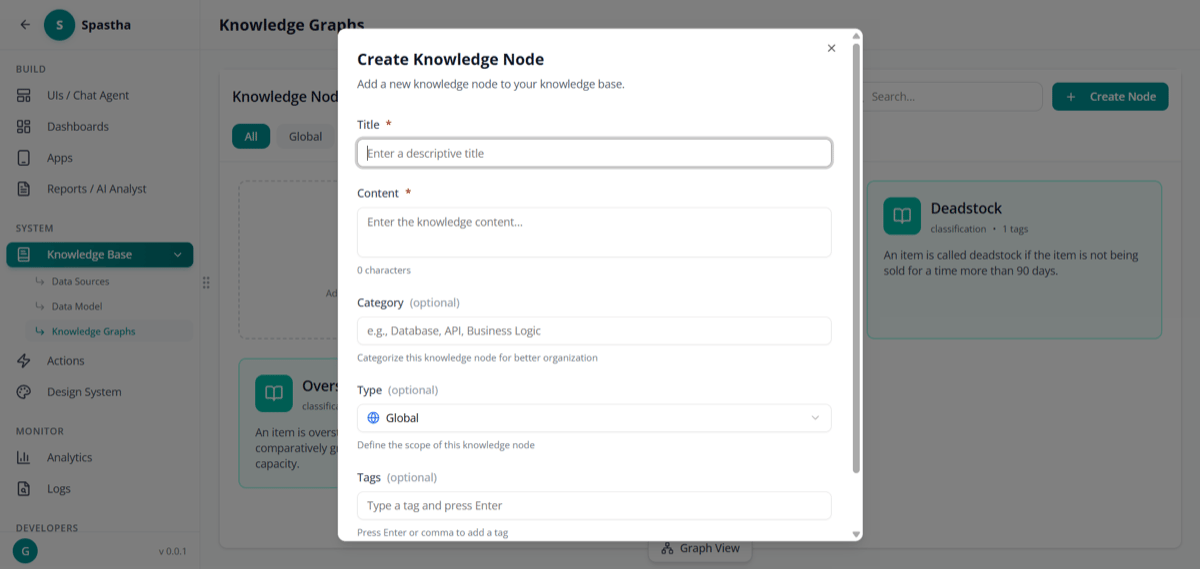
Create Knowledge Node

Create a new knowledge node

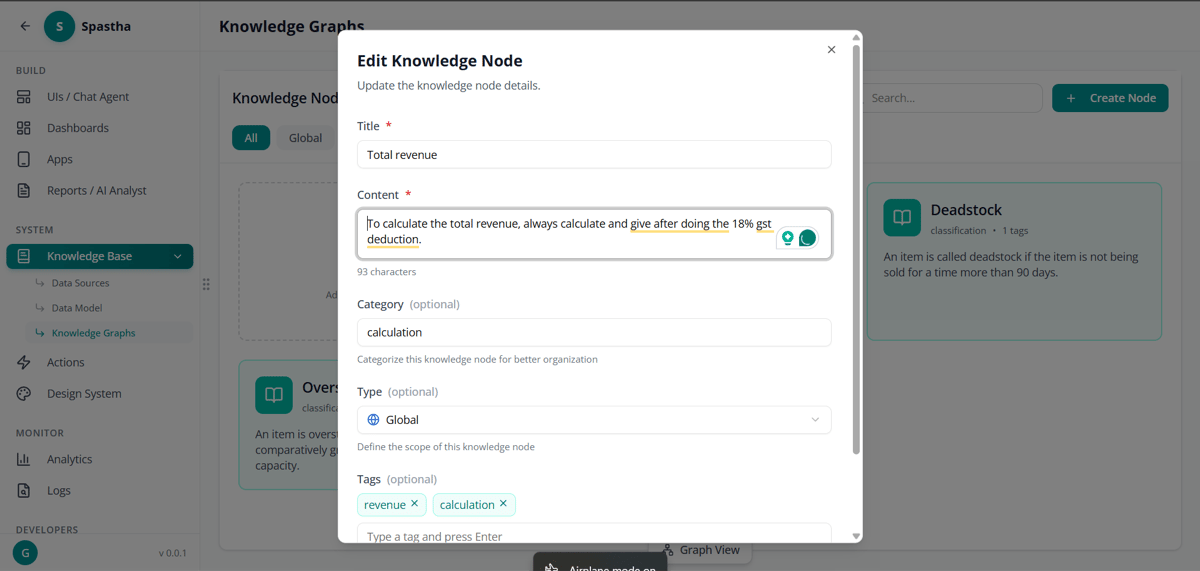
Edit Knowledge Node

Edit an existing knowledge node

Each node includes:
  • Title — Clear, descriptive name
  • Description — What this knowledge represents
  • Rules — Specific conditions and calculations
  • Key Columns — Data fields involved
  • Formula — How to calculate (if applicable)

Why Tribal Knowledge Matters

Accuracy

Answers reflect how your organization actually operates, not just what the raw data says

Consistency

The same term means the same thing for every user across the organization

Onboarding

New employees get organization-aware AI from day one — no ramp-up period

Knowledge Preservation

Institutional knowledge persists through employee turnover instead of walking out the door

Example: Overstock Definition


Data Model

View the semantic model Superatom has built:
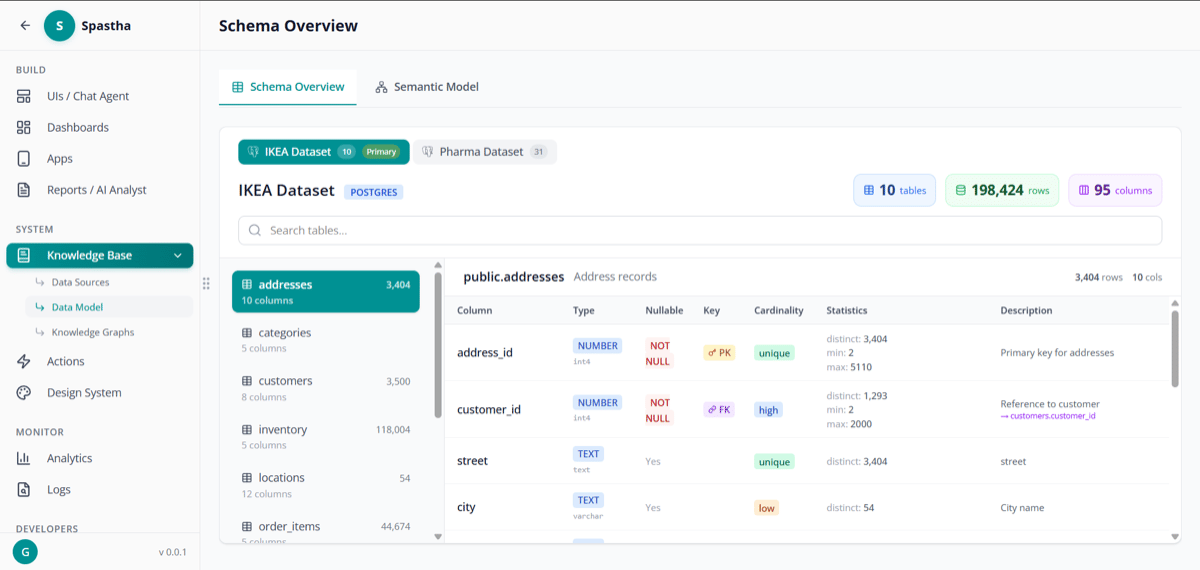
Schema Overview

Schema overview

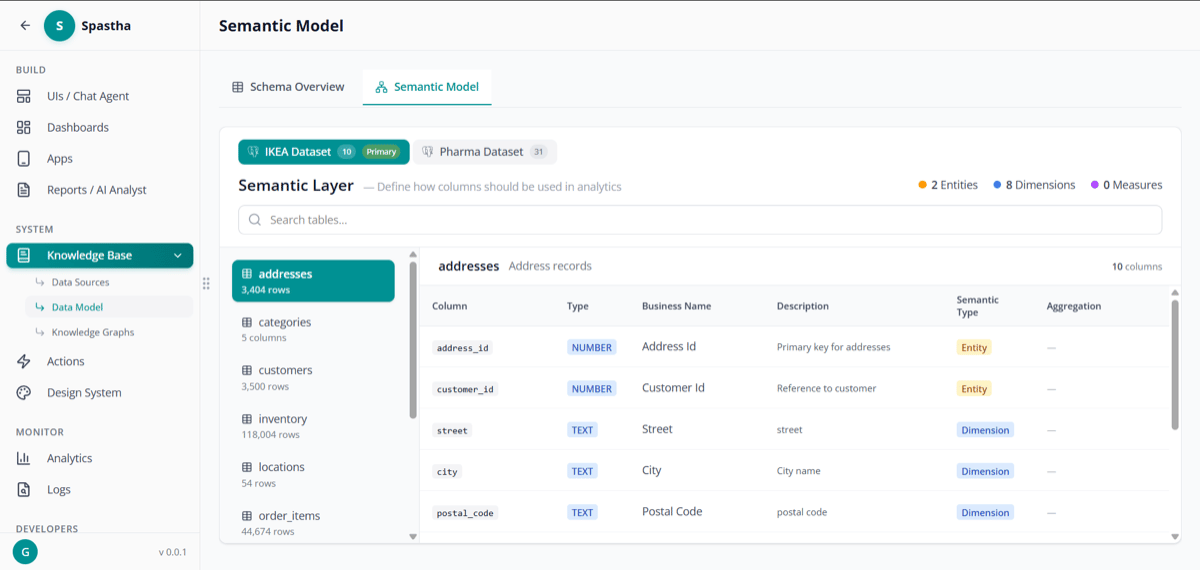
Semantic Model

Semantic model

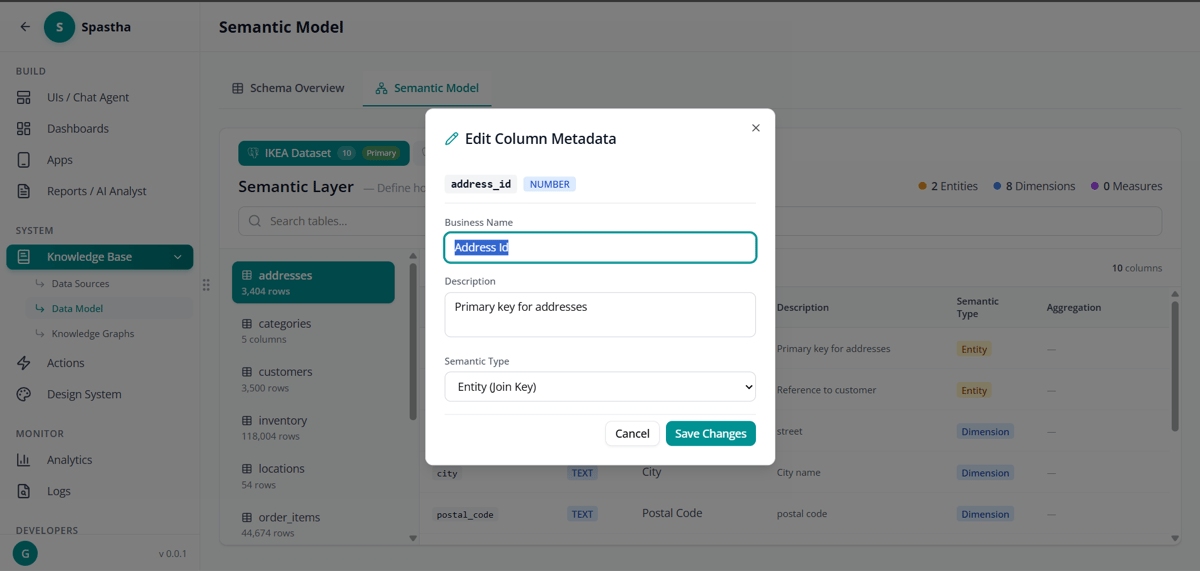
Edit Semantic Model

Edit the semantic model

What’s Included

  • Tables — All discovered tables and their purposes
  • Columns — Field-level details with data types
  • Relationships — Foreign keys and joins
  • Statistics — Row counts, distributions, patterns

Using the Data Model

The data model powers:
  • Natural language understanding — Mapping questions to tables
  • Query generation — Building correct SQL
  • Visualization selection — Choosing appropriate charts
  • Tribal knowledge application — Applying org-specific rules

Best Practices

Connect your most critical data sources first. Add more as needed.
Create knowledge nodes for every important business term.
Upload current data dictionaries and business glossaries.
Periodically review the knowledge graph for accuracy.

Next Steps

Tribal Knowledge

Deep dive into the knowledge system

Semantic Modeling

How Superatom understands your data