

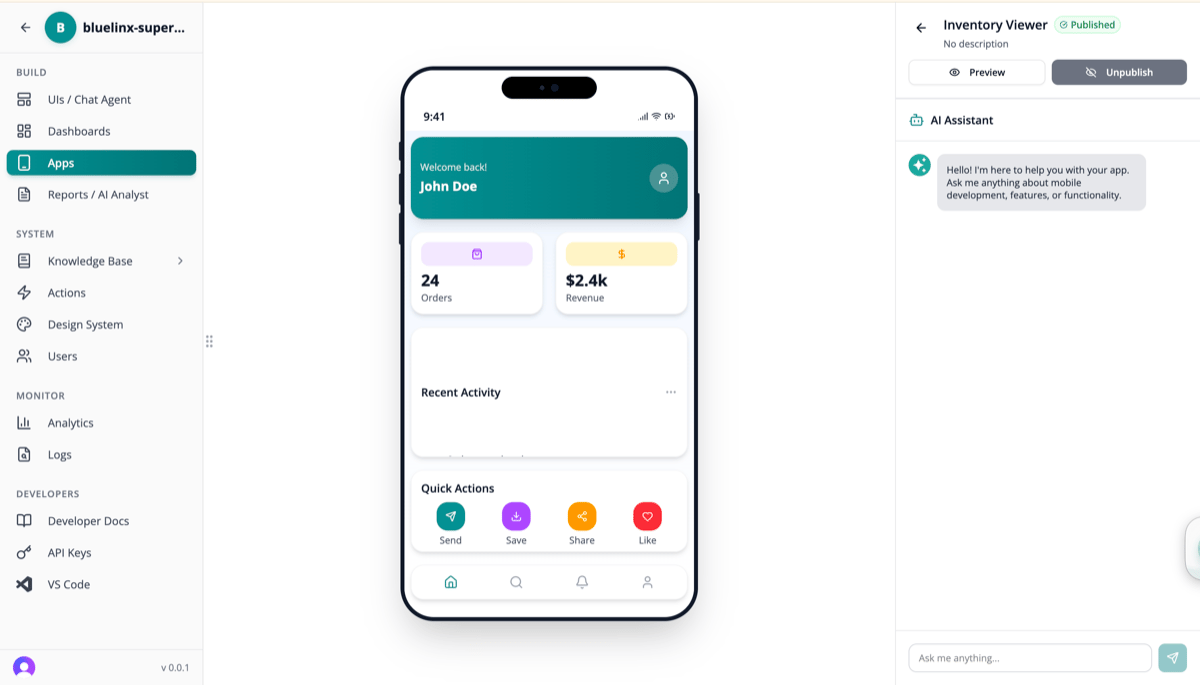
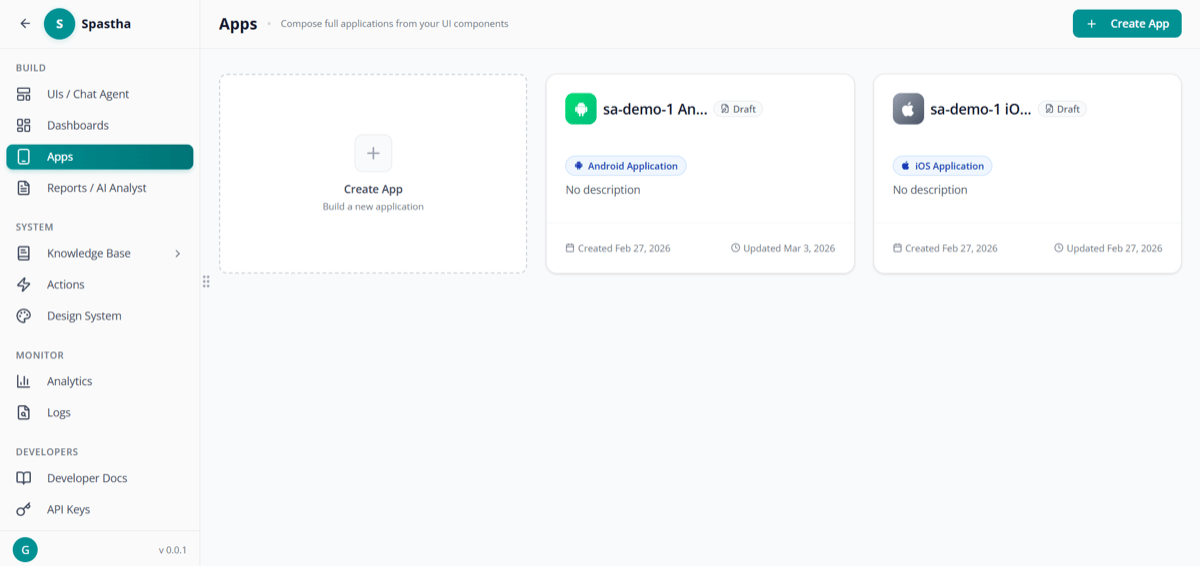
Android and iOS Superatom applications
The Accessibility Problem
Traditional approach to mobile data access:- Months of development time
- $50K-200K development cost
- Ongoing maintenance burden
- Separate codebase to manage
How It Works
1
Connect Data Sources
Your data is already connected to Superatom
2
Define Mobile Views
Select which dashboards, reports, and actions are mobile-enabled
3
Configure Roles
Set permissions for different user types
4
Deploy
Apps are instantly available on iOS and Android
Mobile Capabilities
View Dashboards
KPI Summary
See key metrics at a glance
Charts
Interactive visualizations optimized for touch
Tables
Scrollable data with search
Alerts
Push notifications for important changes
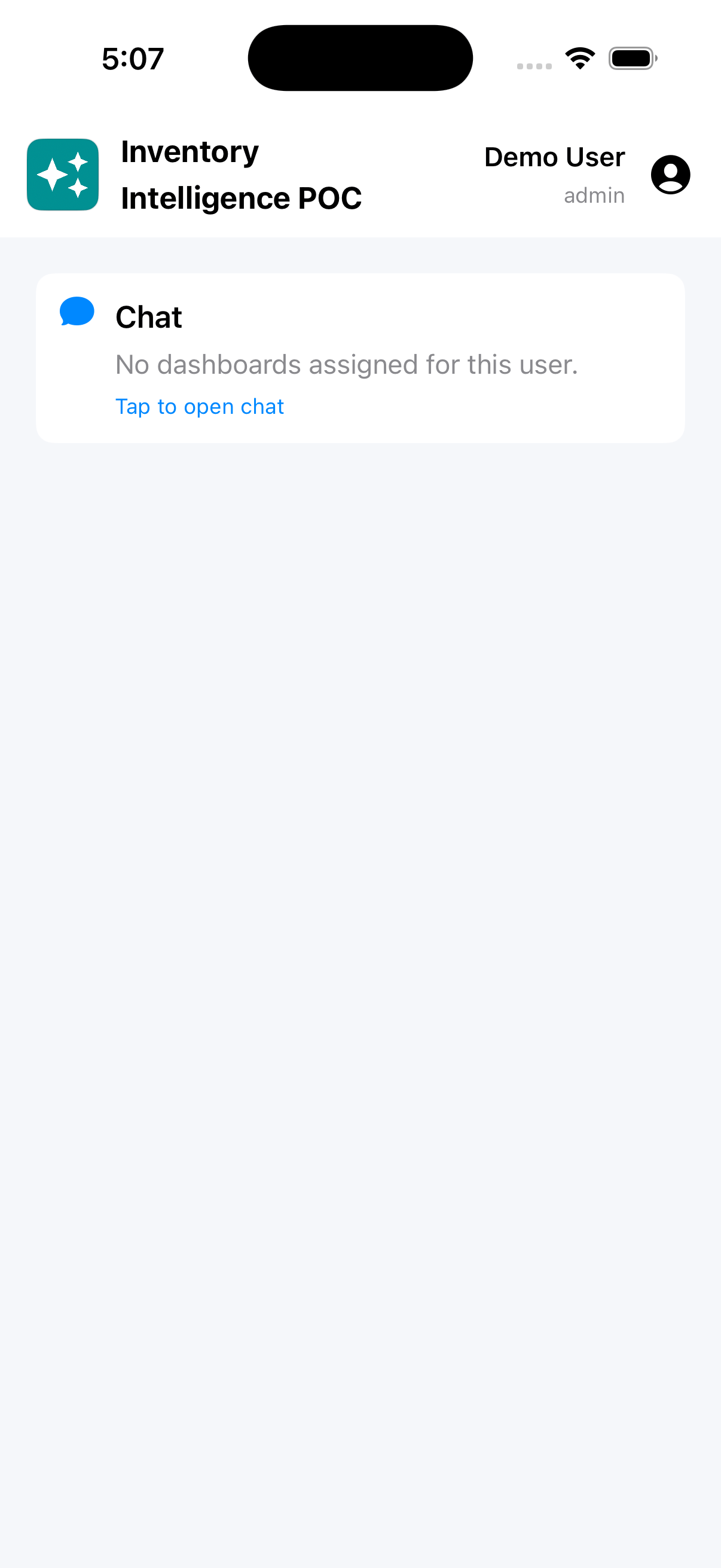
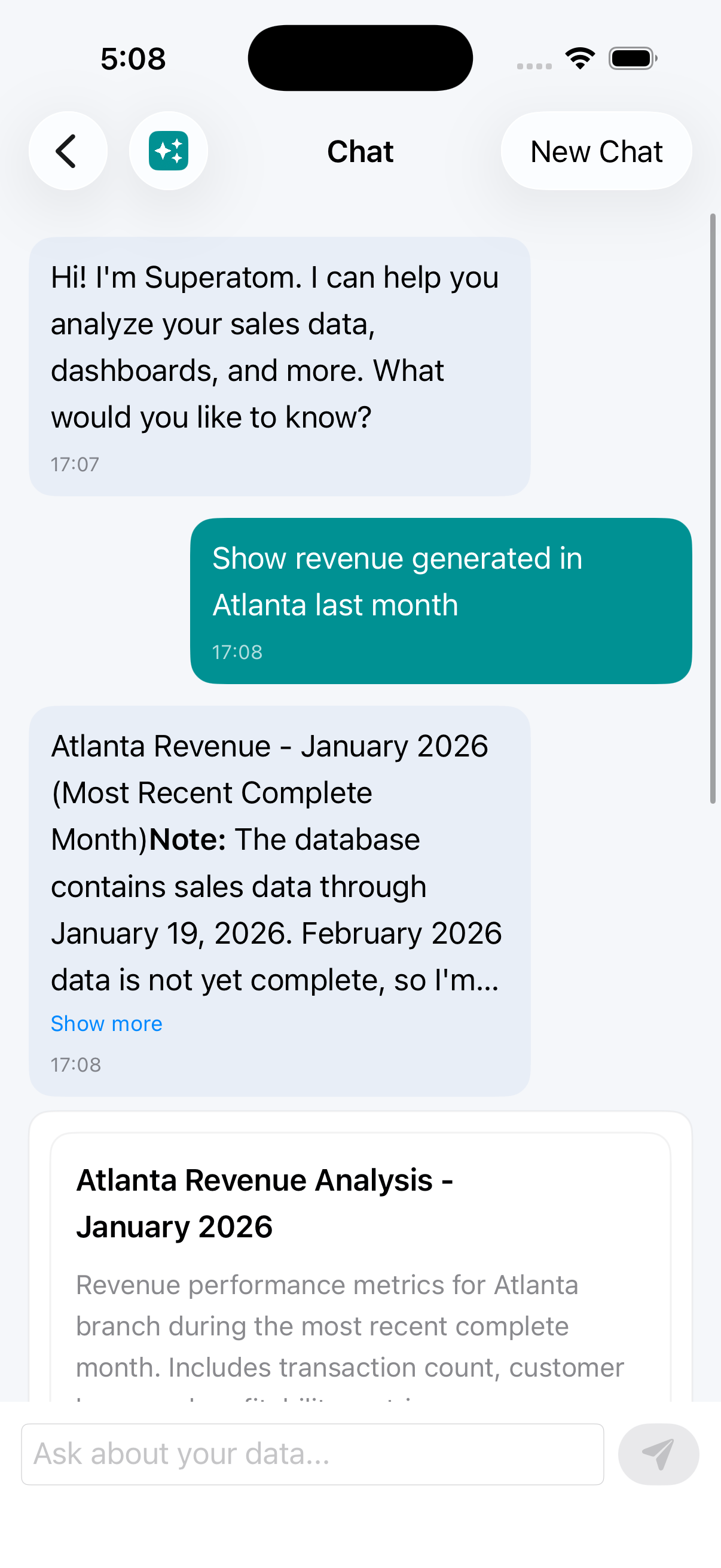
Ask Questions
Natural language works on mobile too:- Tap to speak or type
- See streaming responses
- View auto-generated visualizations
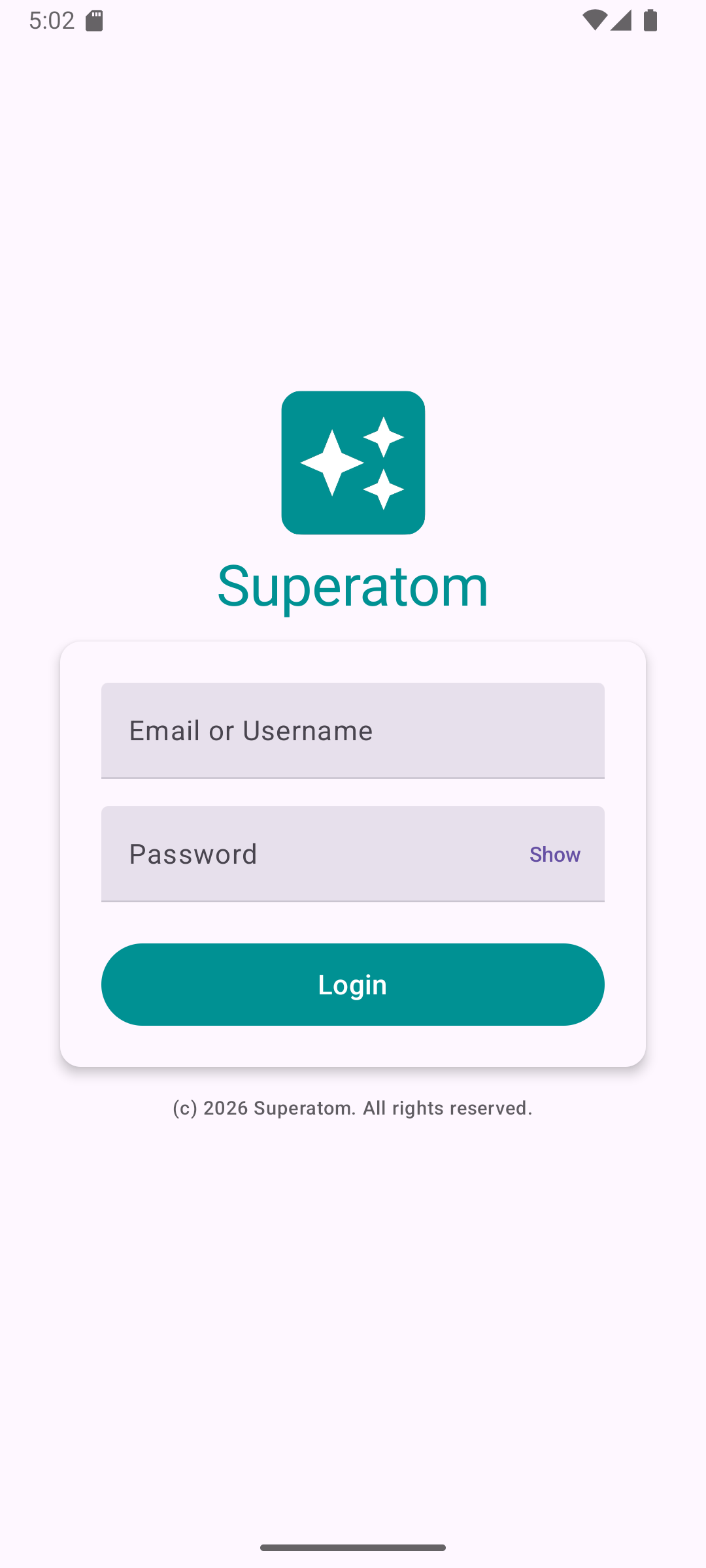
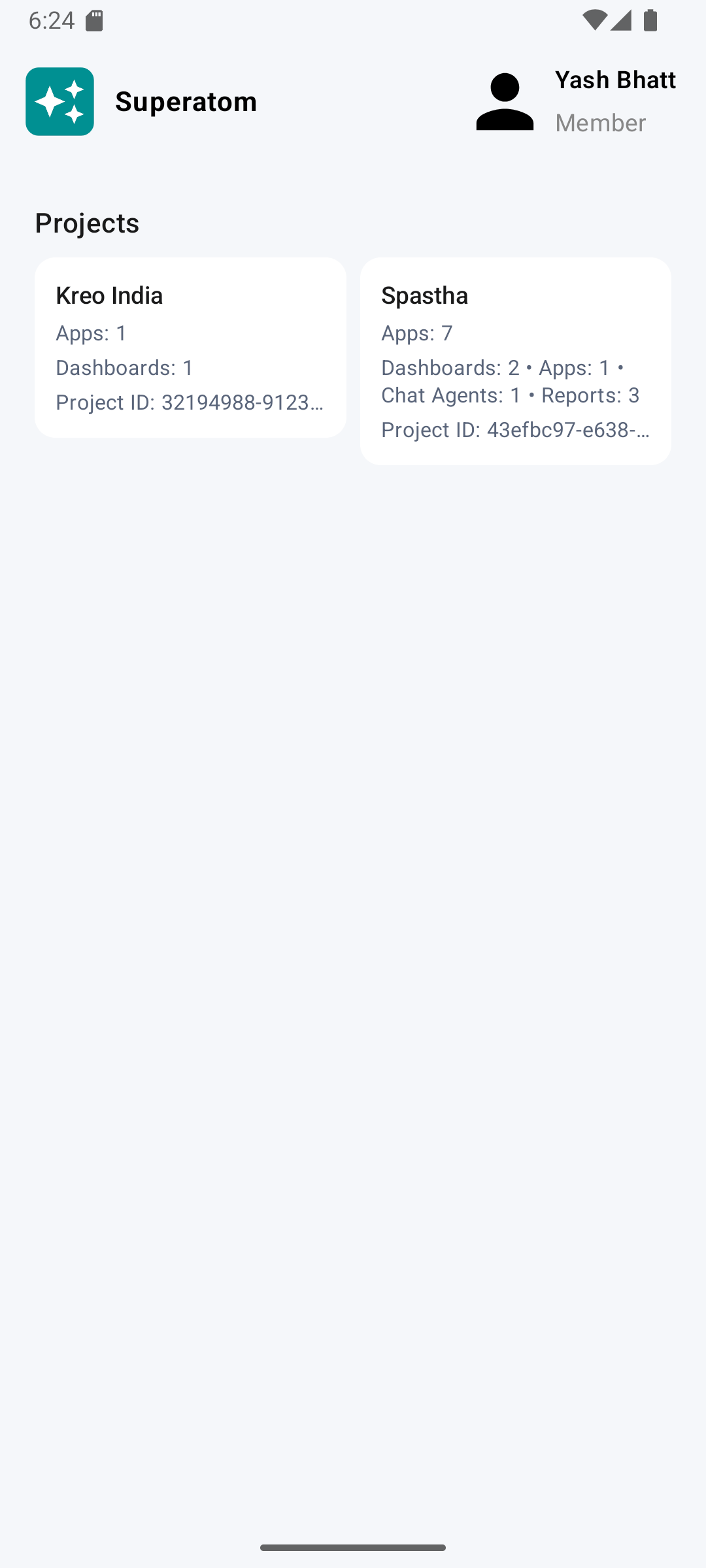
Android App
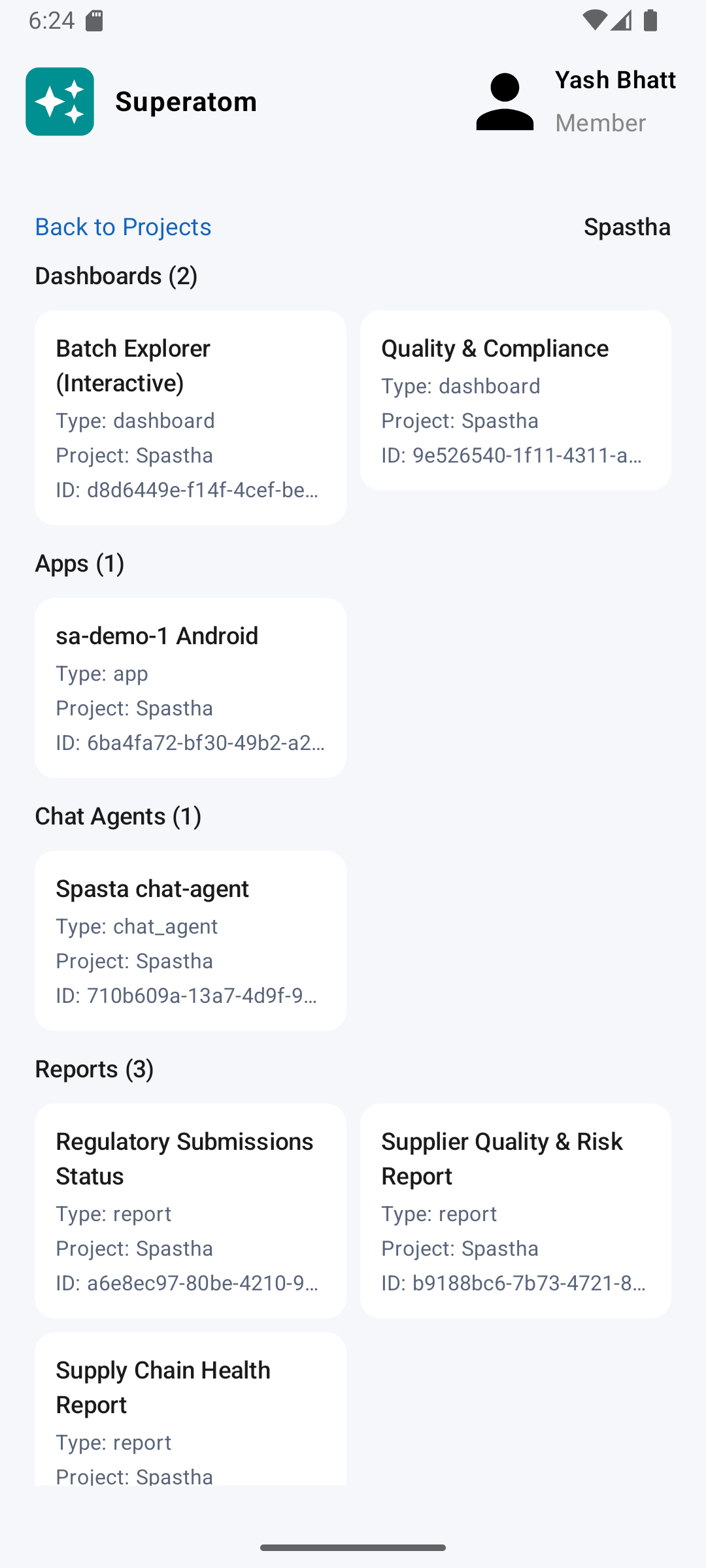
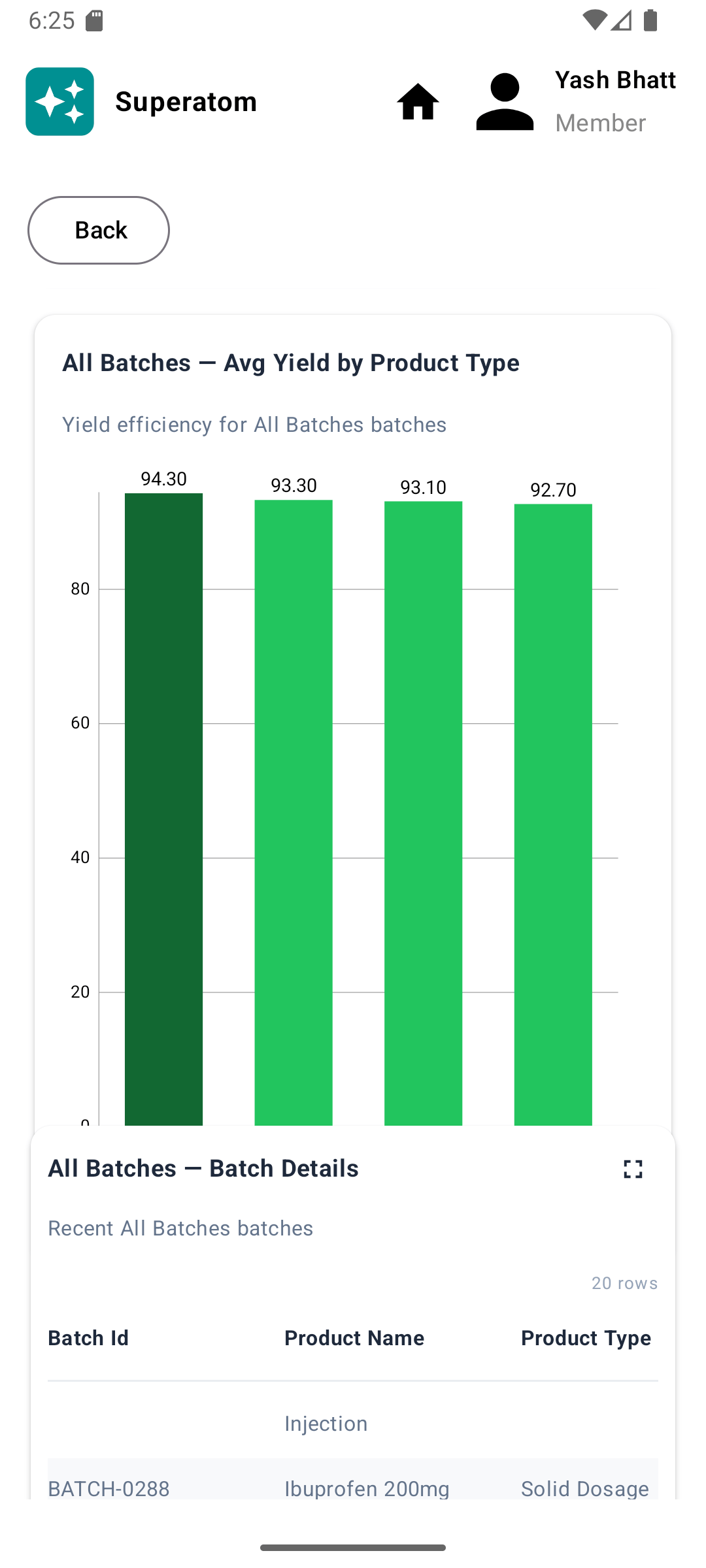
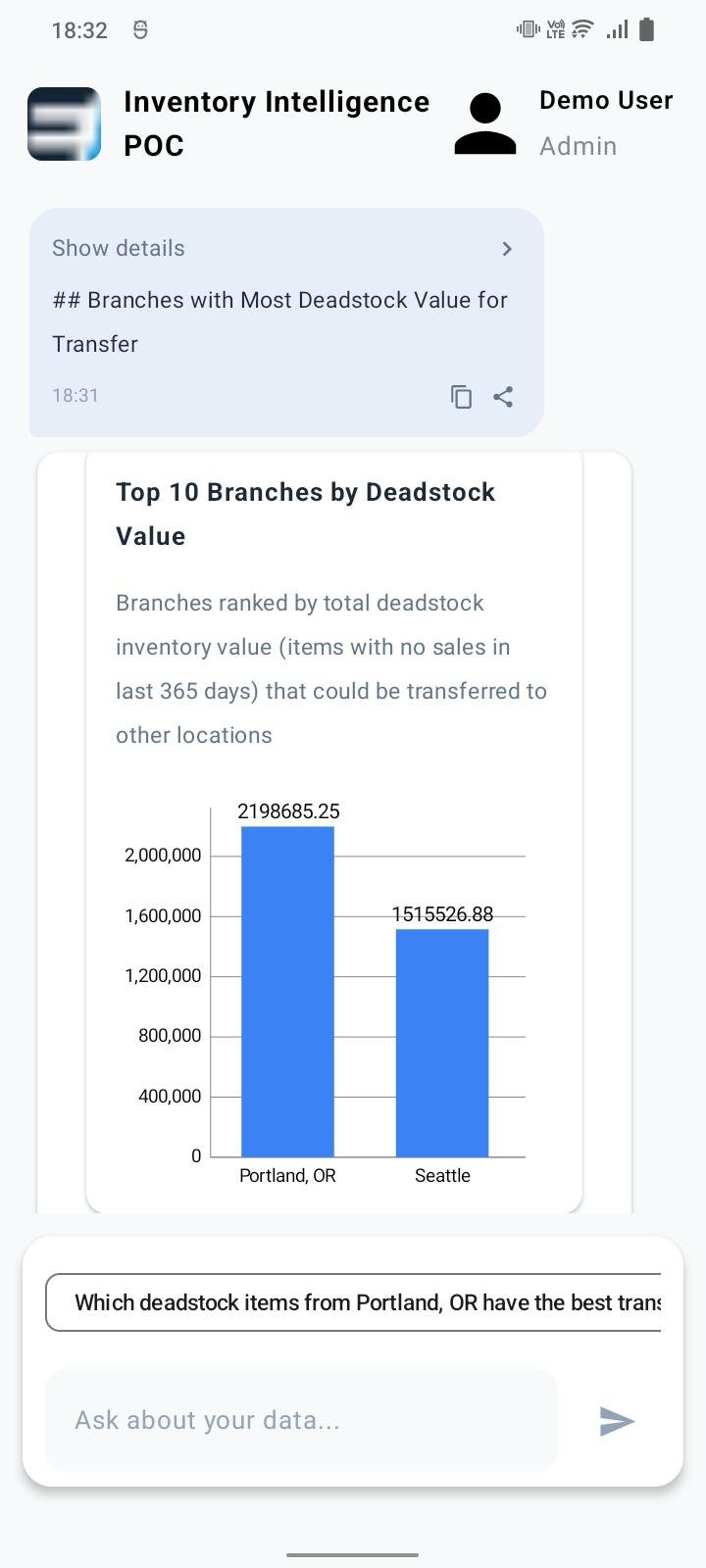
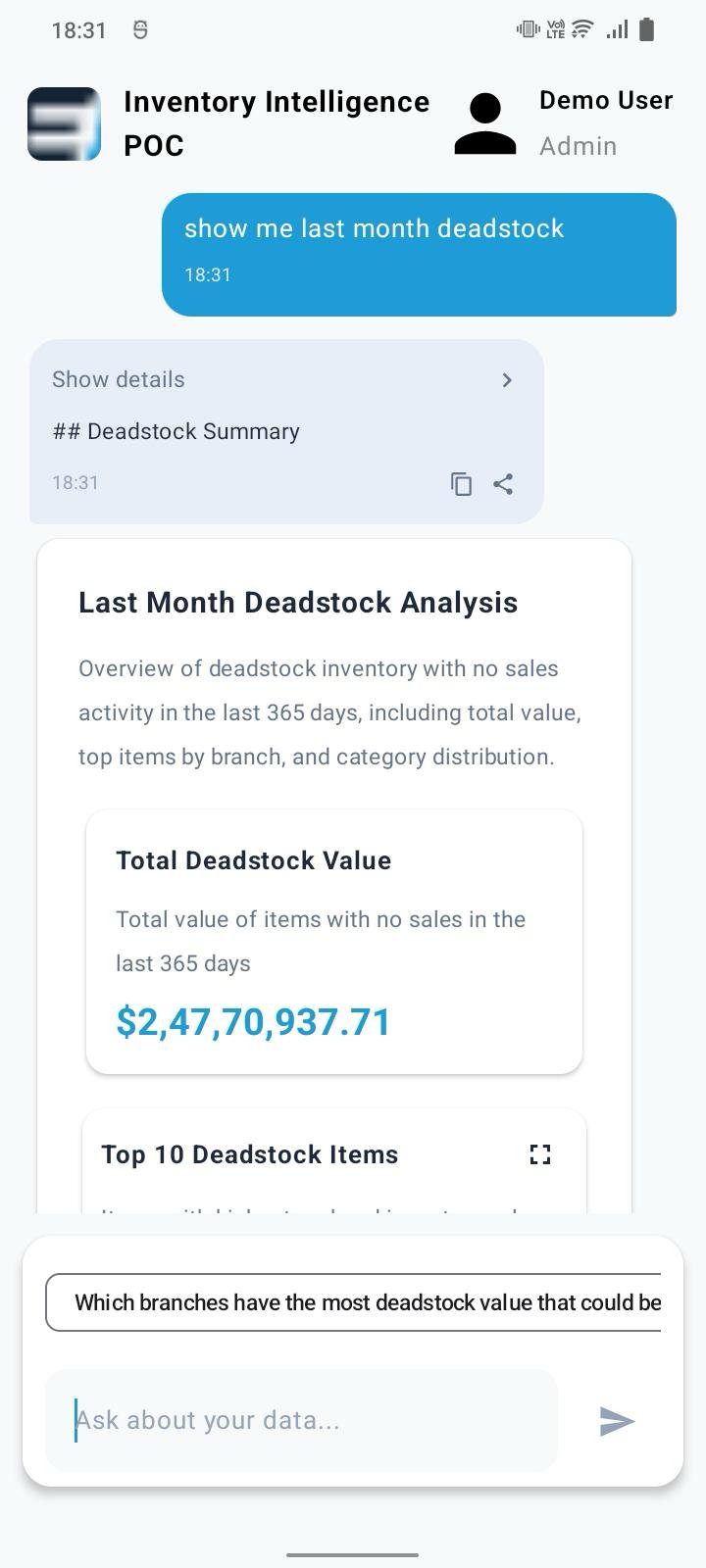
iOS App
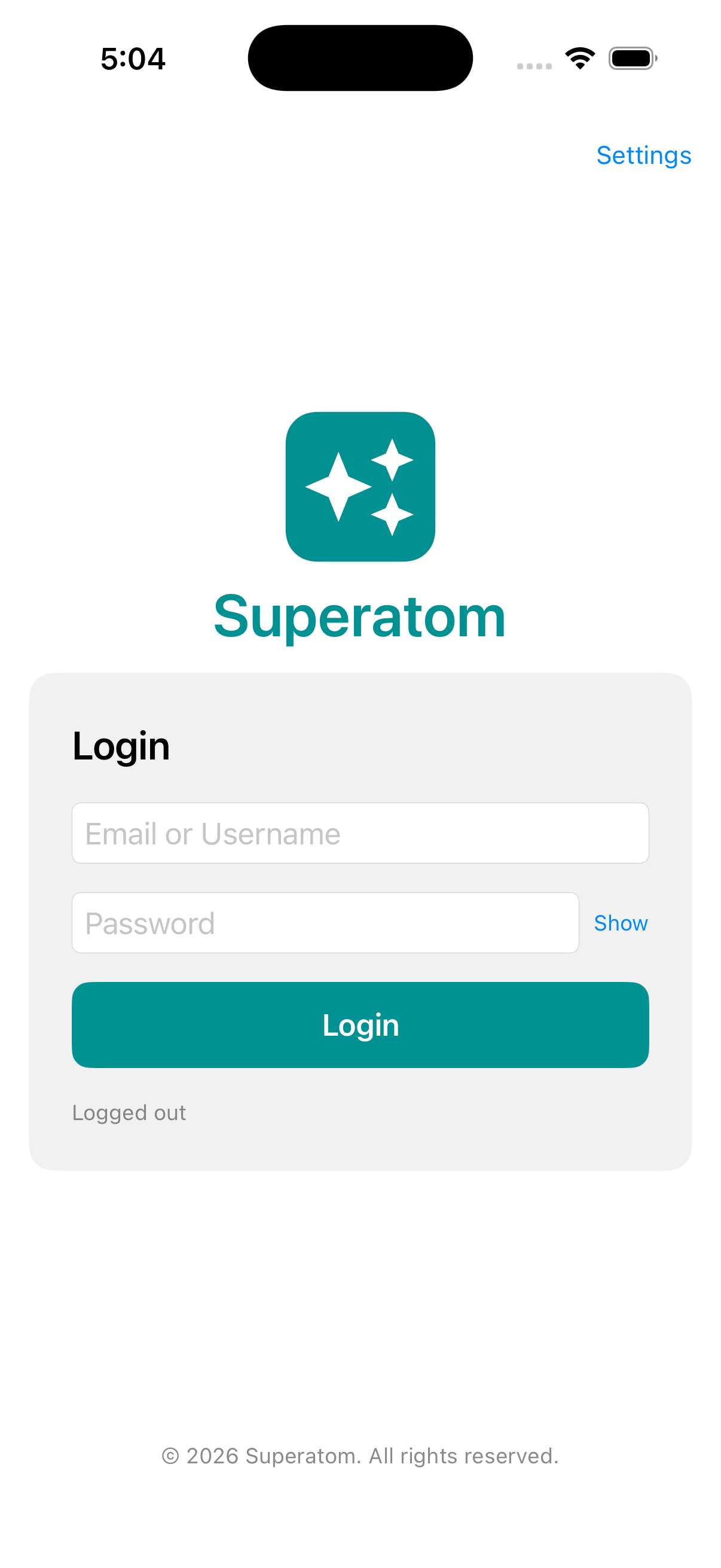
Take Actions
Execute approved actions from the field:- Approve transfers
- Update statuses
- Submit requests
- Acknowledge alerts
App Overview
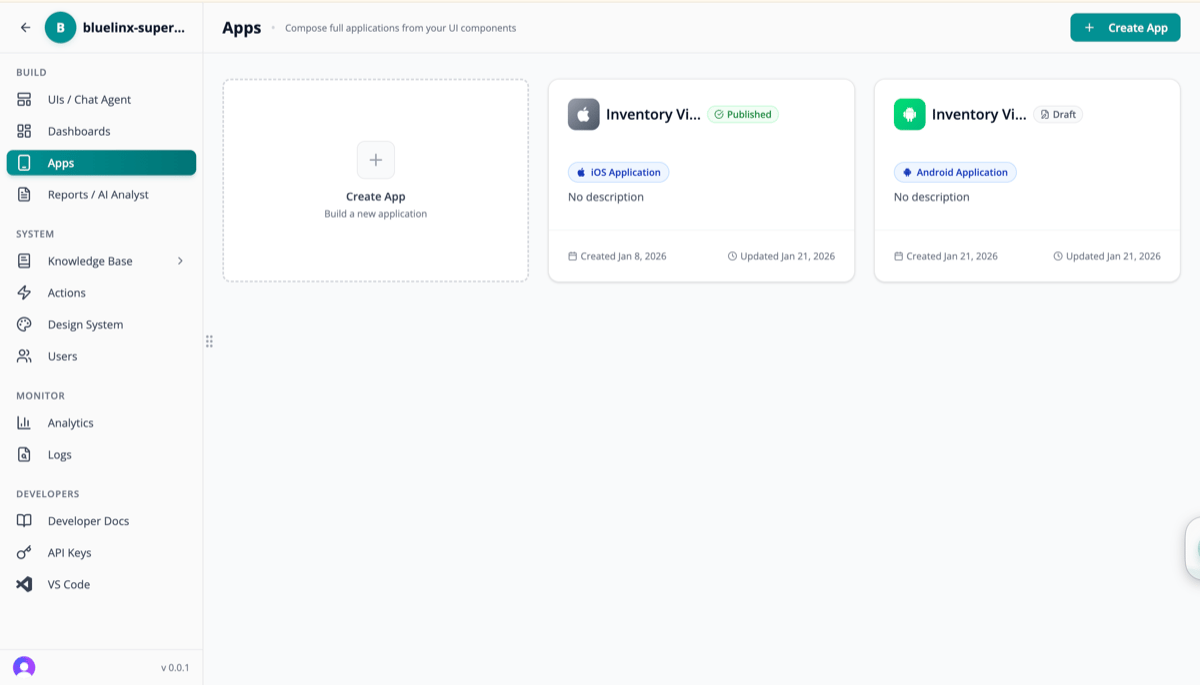
Edit and manage app permissions
App Configuration
Role-Based Access
Different users see different things:Offline Capabilities
Work without internet connection:- Cached data — Recent queries available offline
- Queued actions — Submit actions when reconnected
- Sync indicator — Know when data was last updated
Push Notifications
Stay informed with smart alerts:
Configure notification preferences:
- Which alerts to receive
- Quiet hours
- Frequency limits
Security
Mobile apps maintain enterprise security:Biometric Auth
Face ID, Touch ID, fingerprint
Session Management
Automatic timeout, forced logout
Data Encryption
All data encrypted at rest and in transit
MDM Compatible
Works with mobile device management
Deployment Options
Cloud Deployment
- Instantly available via app stores
- Automatic updates
- Managed infrastructure
Enterprise Deployment
- Private app store distribution
- MDM integration
- Custom deployment rules
Use Cases
Warehouse Manager
Warehouse Manager
Check inventory levels, approve transfers, receive low-stock alerts while walking the floor.
Sales Rep
Sales Rep
View customer history, check product availability, submit orders from client meetings.
Executive
Executive
Quick morning KPI check, review dashboards before meetings, stay informed while traveling.
Field Service
Field Service
Access equipment history, update service status, capture completion photos.
Next Steps
Automated Actions
Configure mobile notifications
Security
Mobile security details